Back to Docusign.com



IDnow identity verification fails: "You have NO connection - BAD" on mobile and endless "Connection speed test" on desktop
Hello,
I am unable to start the identity verification required to sign a document via DocuSign due to a technical issue with the IDnow verification step.
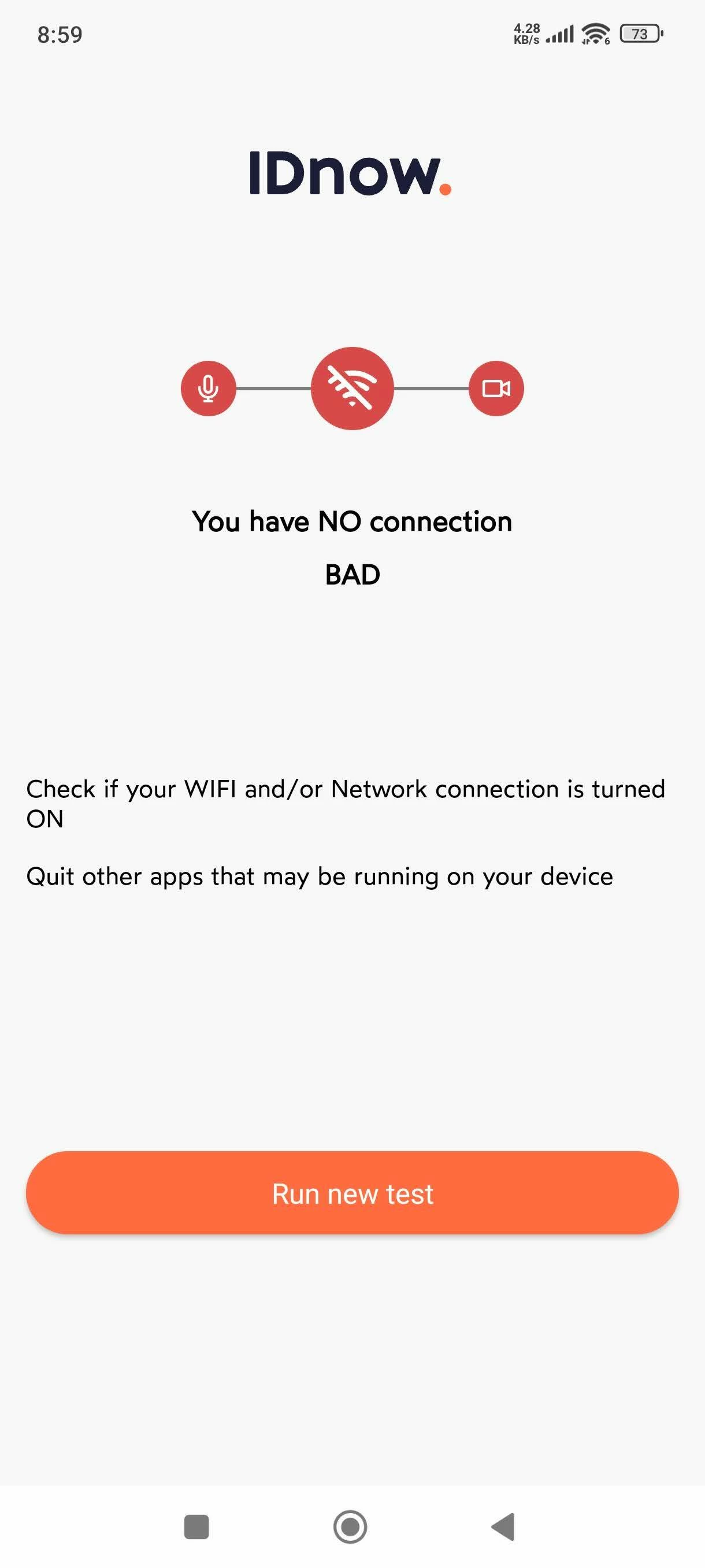
In the mobile IDnow app, the connection test immediately shows the message “You have NO connection - BAD” and stops. This occurs despite having a stable internet connection. I tested this on a smartphone using both Wi-Fi and mobile data, without VPN.
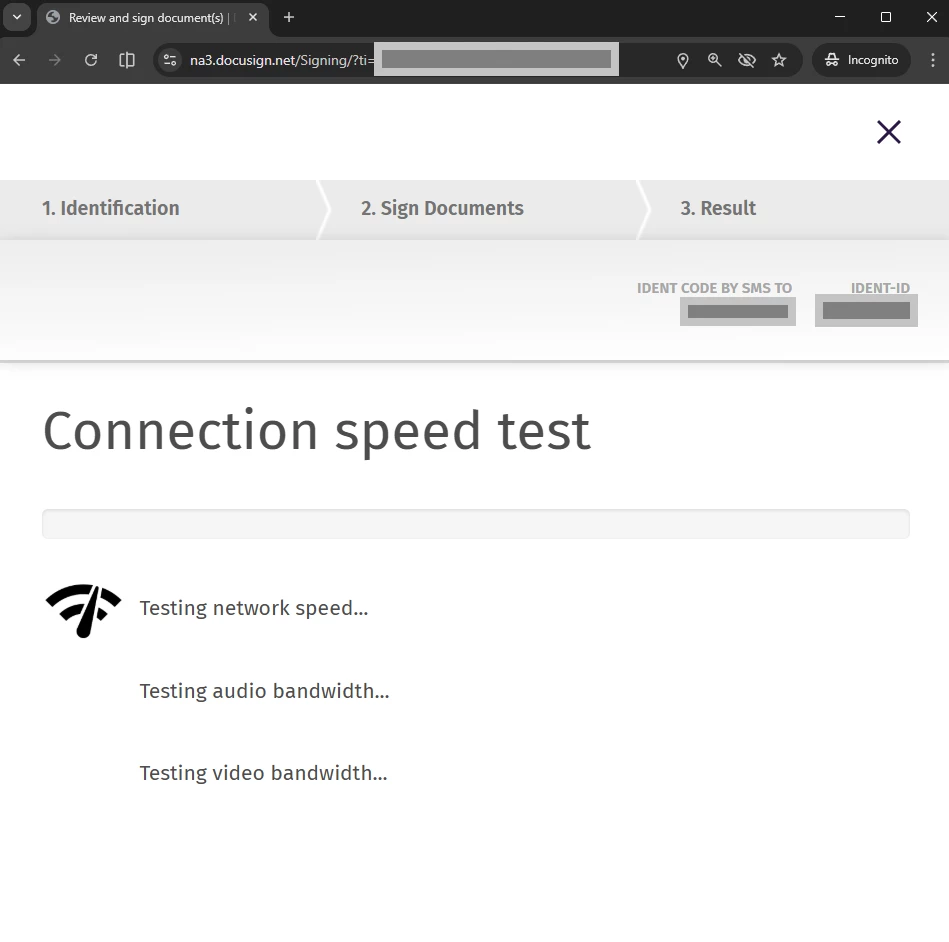
On desktop, the identity verification step also cannot be completed: the “Connection speed test” screen does not progress and remains stuck (Chrome browser, tested with both Wi-Fi and mobile internet, all permissions granted for camera, microphone, and location, no browser extensions installed).
Because of this issue, I am completely blocked from completing the legally required identity verification and therefore cannot proceed with signing the document.
Additionally, I am currently unable to contact DocuSign support through the platform itself. In the Get Support section, clicking “Start a chat” → “Chat with us” does not trigger any action (no chat window opens, no error message is shown).
I am located in Poland (EU), in case this is relevant for regional verification or connectivity checks.
I can provide screenshots of the errors if needed. I would appreciate any guidance on whether this is a known issue, or if there is a workaround or alternative verification method that would allow me to proceed with signing.
Thank you in advance for your help.