 Back to Docusign.com



Go Live Form Declined Without Explanation — How Can I Identify What Needs to Be Fixed?
Hello,
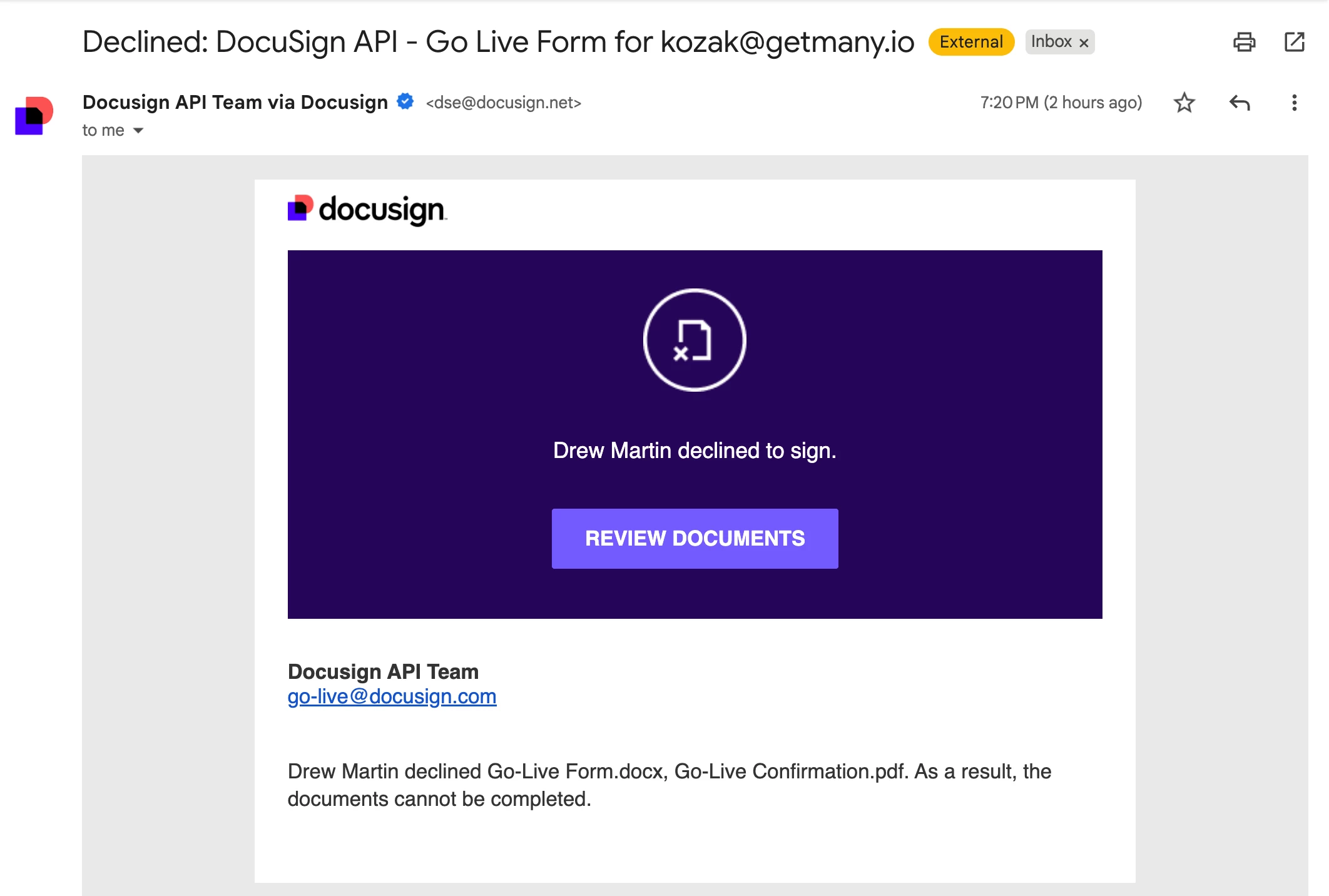
I'm reaching out because my Go Live request was recently declined, and I'm unsure why — no feedback or rejection reason was provided.
About Our Integration
We're building a B2B SaaS platform (Getmany.com) that requires customers to sign commitment agreements.
The Go Live form was declined by Drew Martin, but I received:
- No email explaining the issue
- No checklist of what failed
- No comments or next steps
I'd appreciate any help with:
1. Visibility - Is there somewhere I can view the rejection reason?
2. Common Issues - What typically causes silent rejections? Or it’s normal?
3. Checklist - What should I verify before resubmitting? I did more than 80 tests.
4. Escalation - Can someone from DocuSign review my submission?
I'm ready to fix whatever is needed - I just need to know what it is.
Thank you for any guidance you can offer.
Kyrylo Kozak