 Back to Docusign.com



Go Live Form Declined Without Explanation — How Can I Identify What Needs to Be Fixed?
Hi DocuSign Community,
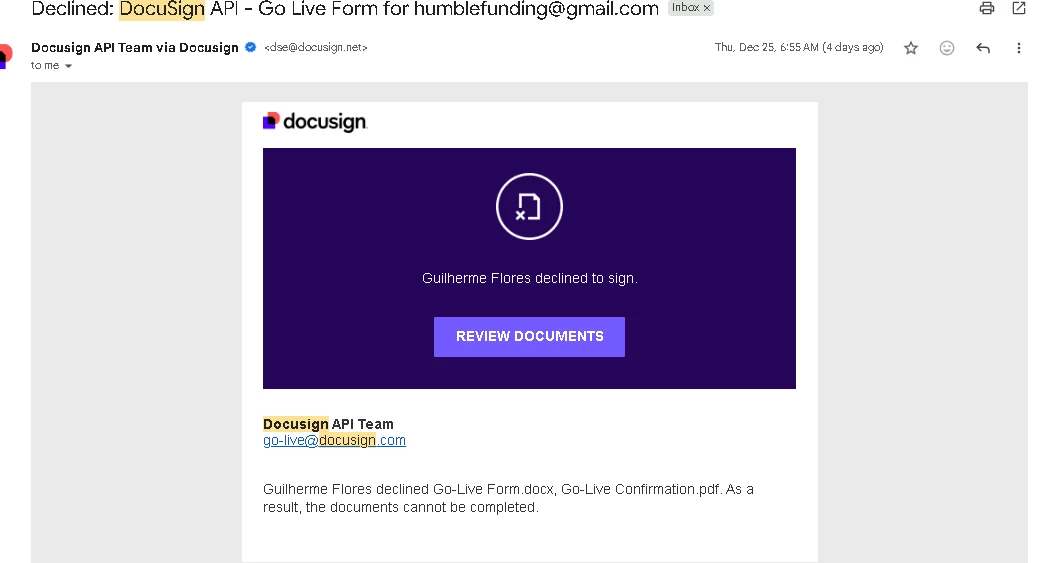
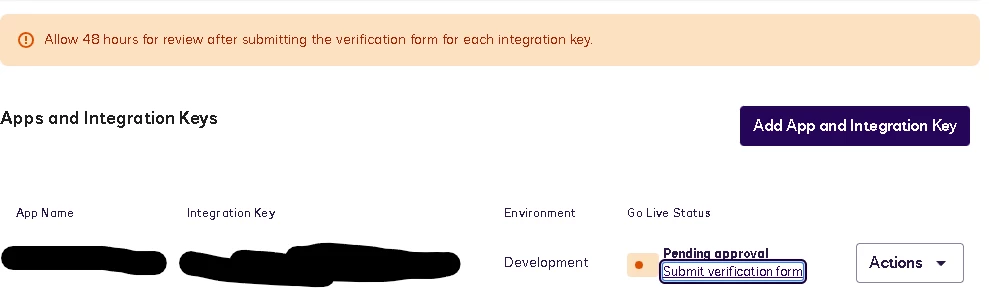
I recently submitted a Go Live request for a DocuSign API integration, and it was declined, but I did not receive any explanation, comments, or guidance on what needs to be fixed or updated.
This has left me a bit stuck, so I’m hoping someone here (or a moderator) can point me in the right direction.
Integration Details
-
Authentication: JWT
-
Signing method: Embedded Signing (Recipient View)
-
Webhooks: DocuSign Connect for envelope completion
-
Status: Fully working and tested in Demo
-
Use case: Users sign a required agreement before account activation
What I’m Confused About
-
I never received:
-
An email
-
A checklist
-
Or any rejection reason explaining why the Go Live form was declined
-
-
I’m not sure whether the issue is related to:
-
Redirect URLs
-
Branding / consent screens
-
JWT configuration
-
Webhook configuration
-
Or something else entirely
-
My Questions
-
Is there a way to see the rejection reason for a Go Live submission?
-
Are there common reasons Go Live requests are declined without comments?
-
Is there a best practice checklist I should re-validate before resubmitting?
-
Can a moderator help escalate or clarify what specifically needs to be corrected?
I’m happy to provide any technical details needed — I just need to know what to fix so I can move forward.
Thanks in advance to anyone who can help.