Hello @mrusso1982
Accessing a Docusign document after it was signed is easy to do. In some cases, your documents might be attached to the completed email.
I was the sender
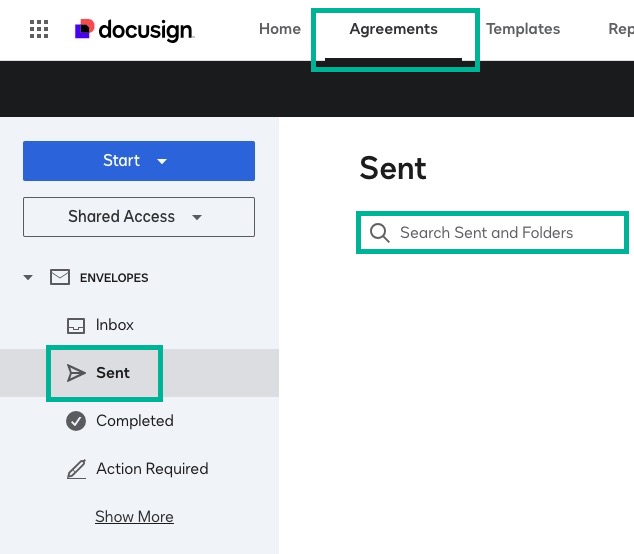
If you sent the document, log into your Docusign account, select Agreements > Sent, and use the Search bar to locate your document.
I was the signer
I signed up for a free Docusign account, or already had my own account
If you signed up for a free Docusign account during the signing process or already had your own account, go to account.docusign.com and log in with your email and password. Select the Agreements tab to see your documents listed there.
I did not sign up for a Docusign account
To access a Docusign document that you were sent to sign:
-
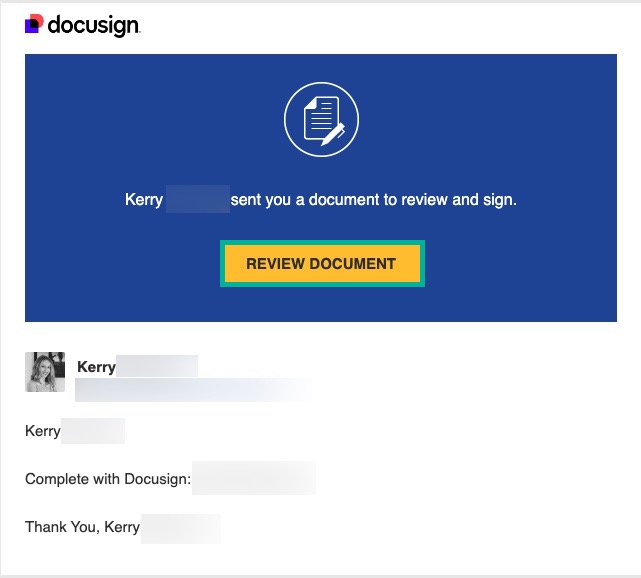
Open the Docusign "Completed" email.
-
Do one of the following:
-
Select REVIEW DOCUMENT to open the documents in your browser.
- Access document with security code:
-
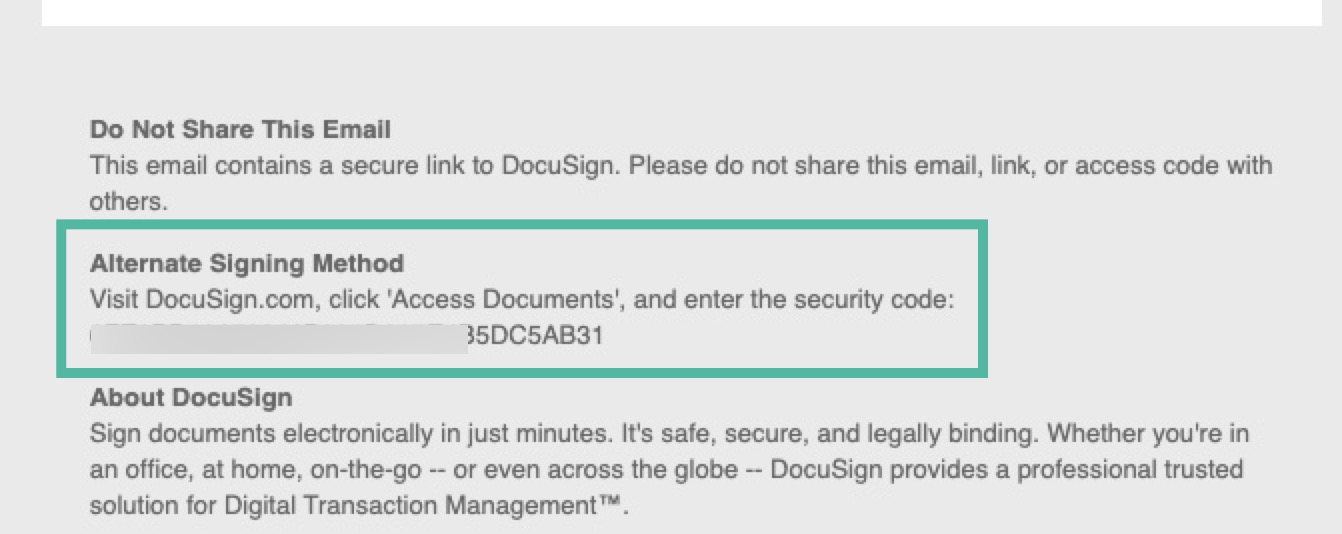
Copy the multi-character security code at the bottom of the email under the Alternative Signing Method.
-
-
-
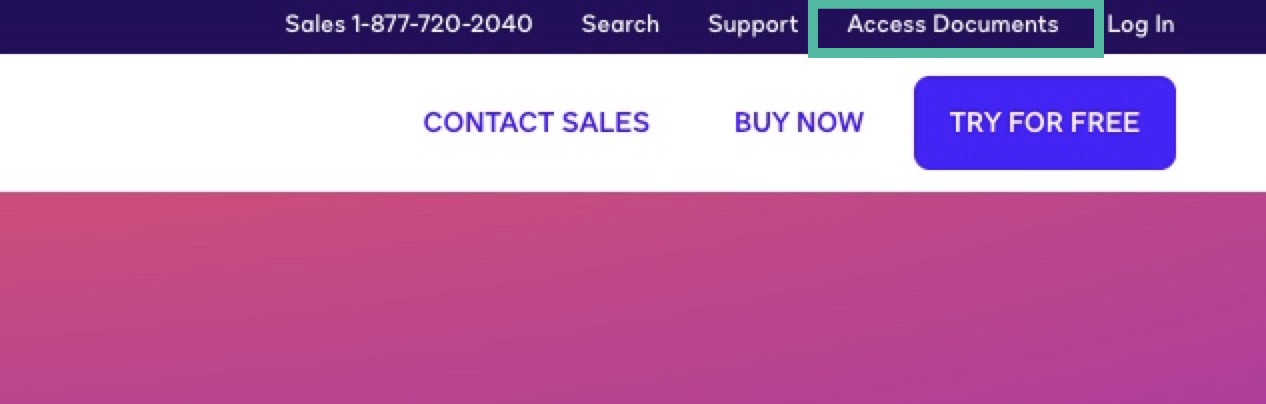
Go to www.docusign.com, and select Access Documents.
-
Paste the Security Code from the Docusign Completed email, and select GO.
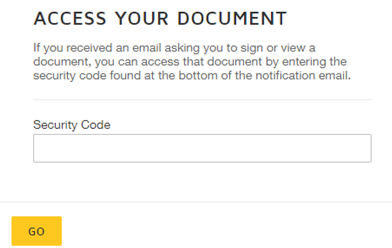
The document that you signed opens. You can now print or download your documents.
Relevant article: How do I access a signed Docusign document?
If you found the response to be a useful solution to your question, please mark it as the best answer by clicking “Select as Best” to make it easier for other users to find. Thank you!
Best regards,
Ma. Cassandra | Docusign Community Moderator
"Select as Best" below if you find the answer a valid solution to your issue
 Back to Docusign.com


