Back to Docusign.com





Dear partner team,
There was an issue that had bothered me for more than a year and has not been resolved. It is to access the document of the support.docusign.com, and sometimes the body of the document will be blank. However, the beginning and end of the page are displayed normally, and only the content of the article is displayed blank. Often, at this time we copy this link to another browser, and it will be displayed normally. Because I've been using the Chrome browser, I've always suspected that it's a problem with the Chrome browser. Since I don't know when it can be reproduced, I can't solve it even if I open a case. Chrome can't clear only one site's cookies, so it hasn't been completely solved.
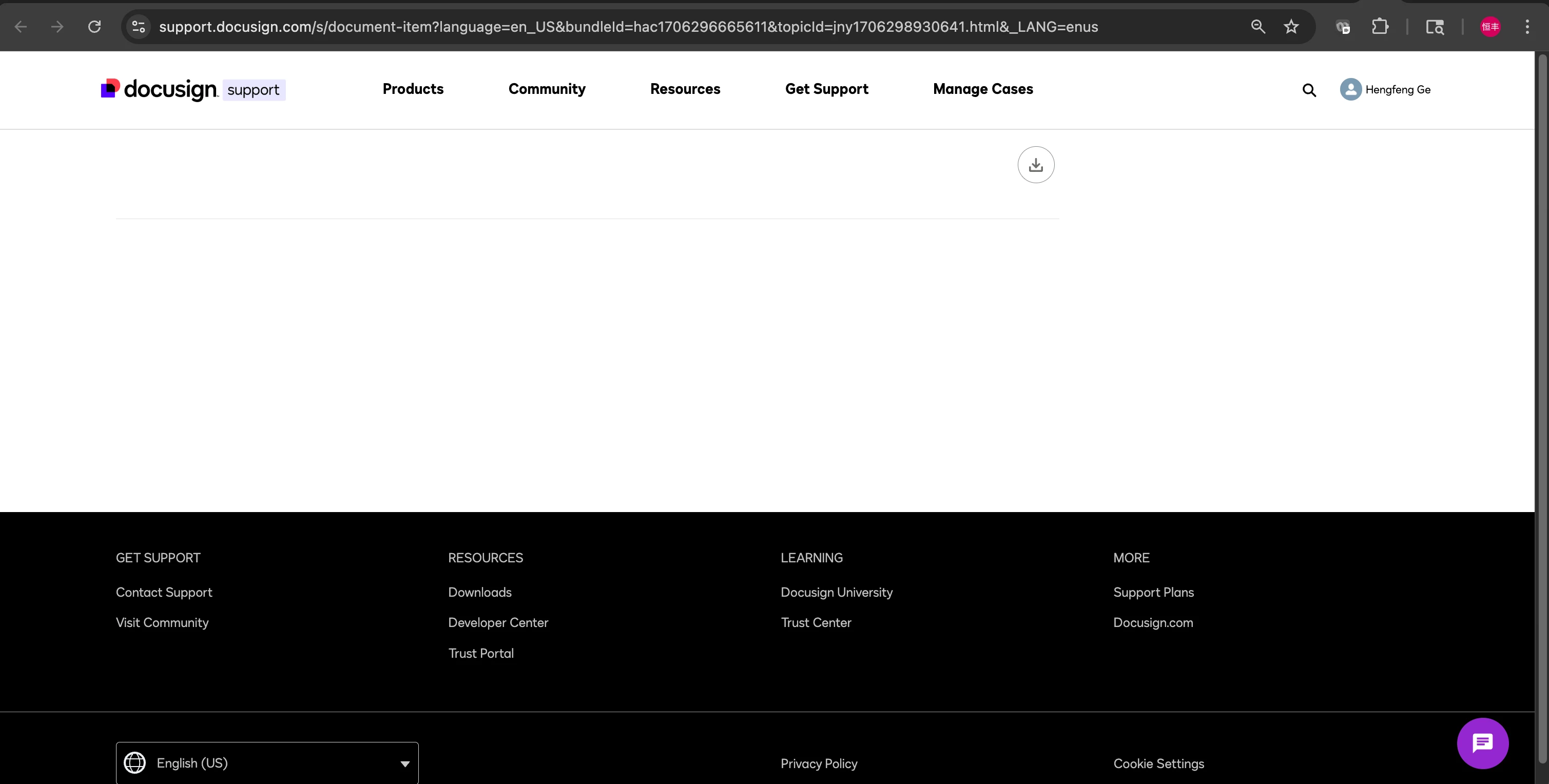
copy to the url to firefox, it is always work.
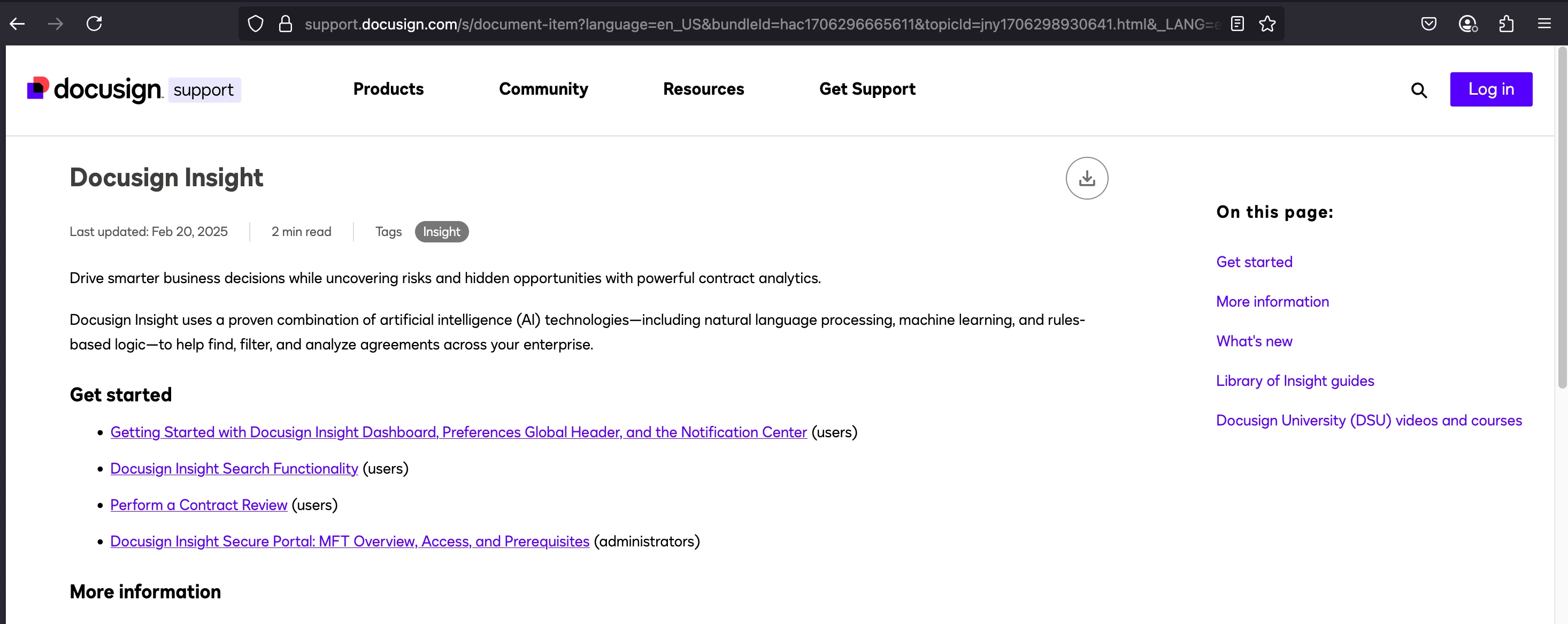
Today I find the cause, before I login the partner account, the page show fine in chrome, but after I login, it show as blank. So I also confirm with my colleague, She always use EDGE,she always copy the url to Chrome, she think it is the issue with EDGE. So we find the same issue, always not login the partner account after load the page in the new broswer.
Hopefully this issue will be resolved soon. It's inconvenient to copy back and forth, and I still want my favorites to be in one browser.
FreeLink/甫连信息
🌍 DocuSign Partner | Partner Profile
🌟The only DocuSign Partner globally with two Certified eSignature Technical Consultants
🏆 DocuSign 2024 APAC Reseller Growth Partner of the Year
💡 Ranked #1 in the OG All Star category in DocuSign Community Wrapped 2024
📊 DocuSign Community Leaderboard Top 5 contributor
🚀 Expertise in DocuSign integrations with on-premises systems for leading enterprises across various industries
🔗 Connect with me on LinkedIn: https://www.linkedin.com/in/gehengfeng