Back to Docusign.com



"How can we resolve the 'You need to set up a custom domain before logging in to DocuSign' error in Salesforce, given that the domain has already been updated and there is no option to disable Enhanced Domains?"
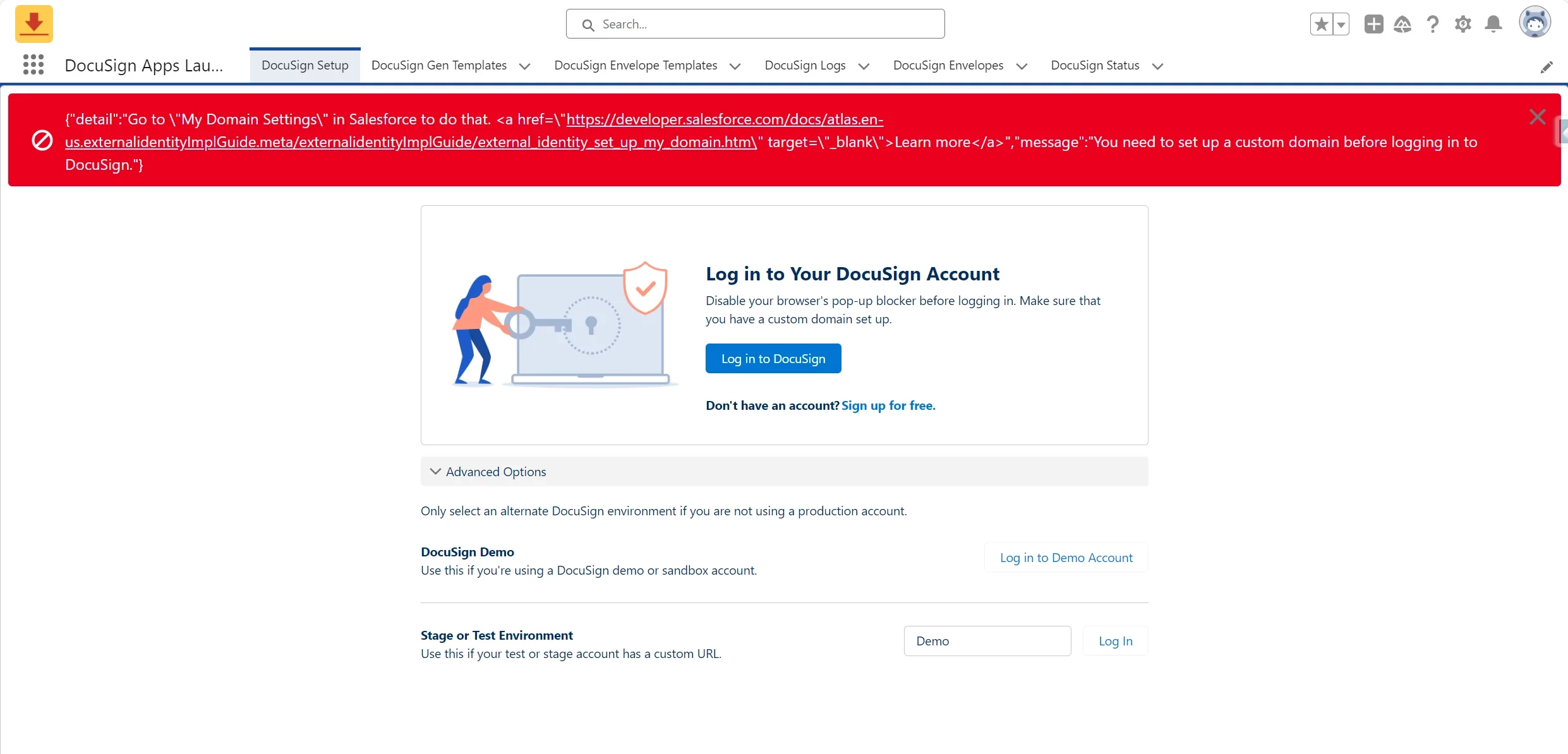
We are encountering the following error when attempting to log in to DocuSign through the DocuSign App Launcher in Salesforce:
Line 621, Column 1: {"detail":"Go to \"My Domain Settings\" in Salesforce to do that. <a href=\"https://developer.salesforce.com/docs/atlas.en-us.externalidentityImplGuide.meta/externalidentityImplGuide/external_identity_set_up_my_domain.htm\" target=\"_blank\">Learn more</a>","message":"You need to set up a custom domain before logging in to DocuSign."}
This is occurring in a demo account while following the steps provided in DocuSign University. As recommended in the error message, I have already updated the Salesforce domain under My Domain Settings.
However, the issue persists. Another suggested solution from support documentation is to disable Enhanced Domains, but I do not see an available option to disable this feature in our current Salesforce setup.
If you have encountered and resolved a similar issue, could you please guide on the steps to resolve this?