Newcomer
April 9, 2024
Solved

Can we recall the envelope that we sent to the customer for e-Sign in 7.12.3 version?

  • April 9, 2024
  • 3 replies
  • 513 views

Can we recall the envelope that we sent to the customer for e-Sign in 7.12.3 version?

Best answer by Derrick.Tran

Hello @Dinesh Baskaran,


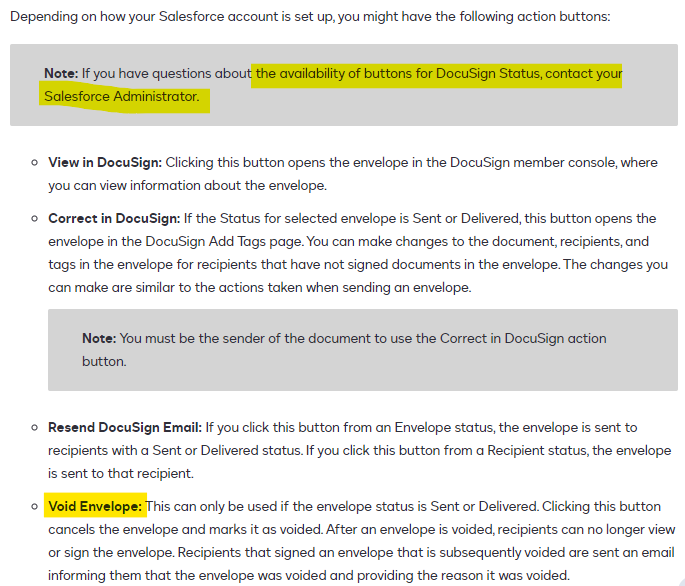
In addition to what @Michael.Rave mentioned. You are leveraging the legacy managed package and if you want to void an envelope from Salesforce, you need:

  1. A DocuSign Status record related to your source object
  2. The “Void Envelope” button is visible on the page layout 


3 replies

Michael.Rave
Docusign Employee
Docusign Employee
April 9, 2024

@Dinesh Baskaran

The sender can recall/void an envelope, as long as the envelope is in progress and not yet completed. This can be done either in the Salesforce interface or the DocuSign eSignature Web App. This is independent of the DocuSign eSignature for Salesforce version.

"Select as Best" below if you find my answer is a valid solution to your issue and mark it as resolved.
Derrick.Tran
Docusign Employee
Docusign Employee
April 10, 2024

Hello @Dinesh Baskaran,


In addition to what @Michael.Rave mentioned. You are leveraging the legacy managed package and if you want to void an envelope from Salesforce, you need:

  1. A DocuSign Status record related to your source object
  2. The “Void Envelope” button is visible on the page layout 


Docusign Employee
April 24, 2024

Hi @Dinesh Baskaran,


I hope you are doing well.


I would like to confirm if you were able to solve your issue by utilizing the solution that was suggested or if the information that was provided was useful.


If so, please mark it as the best answer by clicking “Select as Best” to make it easier for other users to find.


Otherwise, feel free to let me know and I will gladly help you address the situation as soon as possible.


Best regards,


Christopher | Docusign Community Moderator

"Select as Best" below if you find the answer a valid solution to your issue.