 Back to Docusign.com



Ask the Expert: Docusign Maestro | Recap & Recording
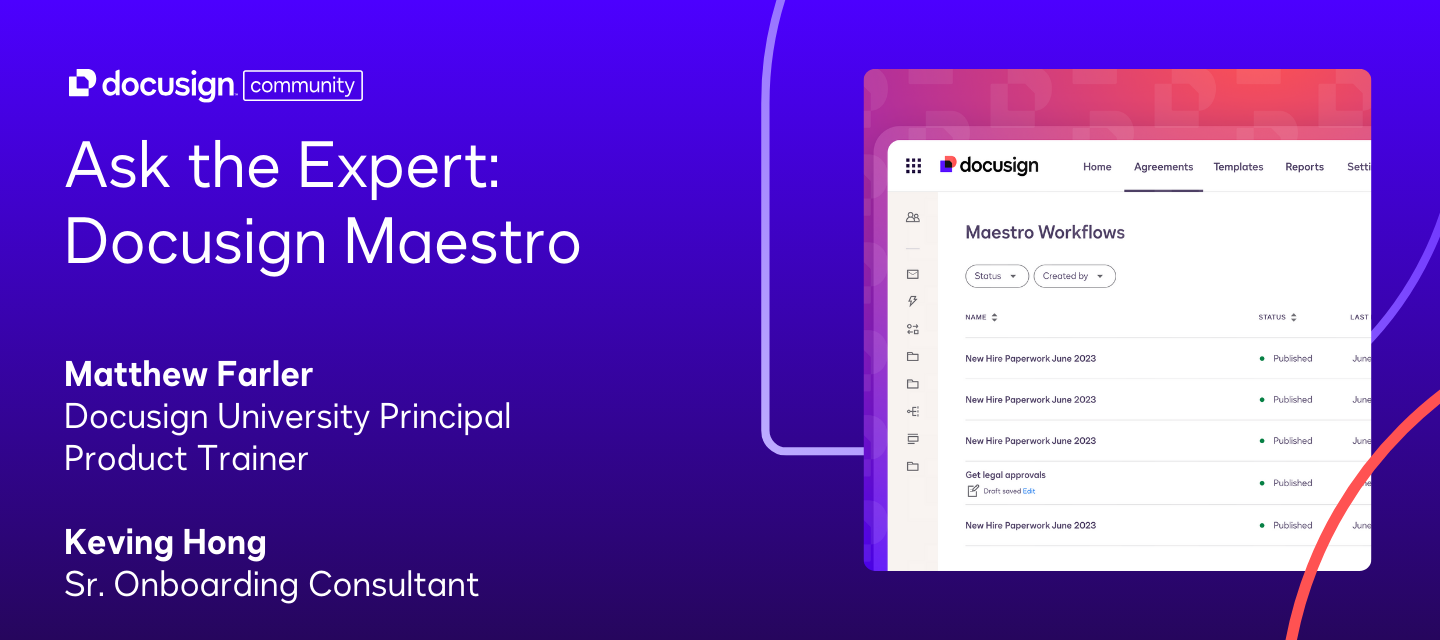
In this recent Community event, Docusign University Product Trainer Matthew Farler and Sr. Onboarding Consultant Kevin Hong answered customers’ questions about Docusign Workflow Builder (formerly Maestro) Workflows, focusing on the platform’s functionality, app center usage, and new feature enhancements.
Below, you’ll find key learnings from the event and the full recording.
Key takeaways:
-
Manager Role & Send Invite Step
You can send invites to an individual who needs to join a workflow from their own device. Even if an envelope already has recipient notification enabled, this step ensures the right person enters the workflow at the right time. -
Workflow Builder (formerly Maestro) vs. PowerForms
Unlike PowerForms, Workflow Builder (formerly Maestro) can collect data up front without immediately generating an envelope. This enables more complex workflows—such as ID verification and branching logic—before any documents are sent for signing. -
Document Addition & Branching
Workflow Builder (formerly Maestro) allows you to add new documents to an envelope on the fly and create branching logic with up to four levels. -
Pre-population & Integrations
While Workflow Builder (formerly Maestro) doesn’t currently support direct URL-based pre-population like PowerForms, it can pull data from connected systems (e.g., Salesforce). The App Center simplifies these integrations, making it easier to store and retrieve documents from sources like SharePoint or Google Drive.
Next steps:
✅ Watch the full recording below
✅ Got questions about Workflow Builder (formerly Maestro)? Drop them in the comments below
✅ Stay in the loop! Subscribe to our events page to get notified about upcoming sessions