Idea Submitted

Improvements for Document Template - It could be better

Categories:eSignature
  • October 9, 2025
  • 6 replies
  • 104 views

Forum|alt.badge.img+1

Document Template is a good tool to start replacing Docugen but there are key features that are missing to improve its performance. Currently it has a very basic text function that does not give a lot of freedom to create better looking documents.


For instance, once you make a field in Document Template you can no longer remove that field, meaning if you make small mistakes you are stuck with a lot of extra fields.
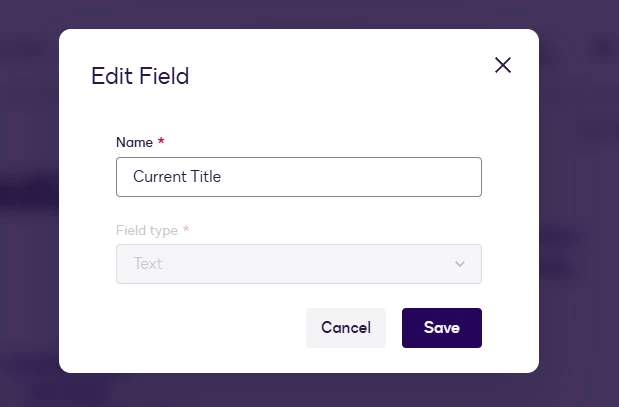
 

The text capabilities is also very minimum and lacking for any basic documents created with this tool, I work for a corporate mid size company, our letters need to look professional and thats hard to do with limited fonts and abilities to make indentations like you can on word (Cant show the whole example) I would like to see way more tools so that letters being sent out can look nice. You cant put multiple text on one line for instance to the right and left, same with images needs to be all on separate lines.
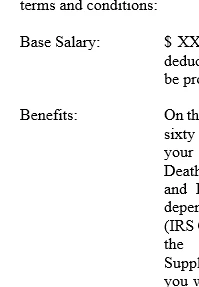
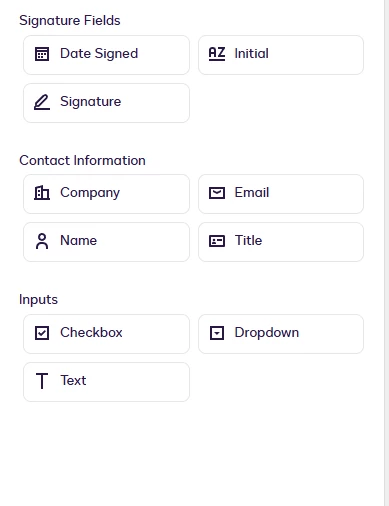
We also lost the ability to have signers use the approve or decline button, for some reason you can only have them sign the document, before this wasnt and issue. 
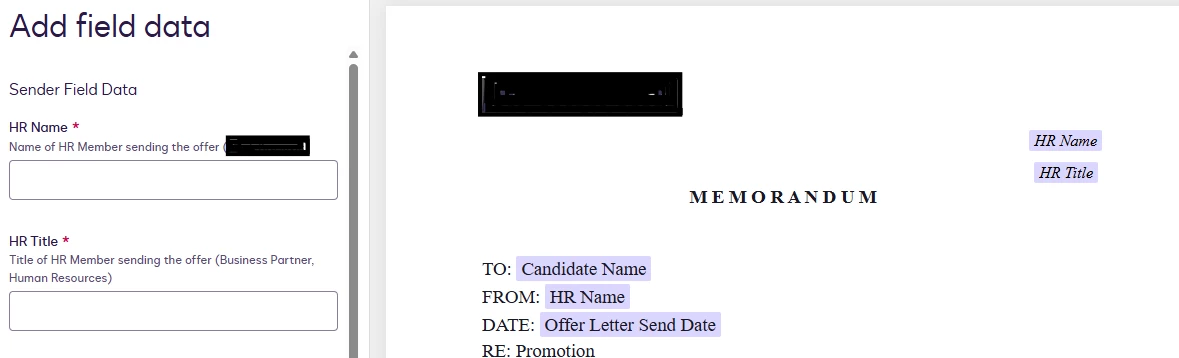
When you use the letter as the owner of the letter, you are able to look at a side by side comparison of the textbox's you are imputing on the left and the letter on the right, however for some reason when you share the letter (IE Put it in a shared folders for others to use) they do not have this ability and it shows on two different screens. Like shown below :
There is also a naming issue where you need to download the zip, rename the downloaded file on docusign, then upload the new one because it pulls the file name from the json file not the zip file - hence me trying to name it potato and still getting an error - you should have the option to name the new upload to avoid this whole mess
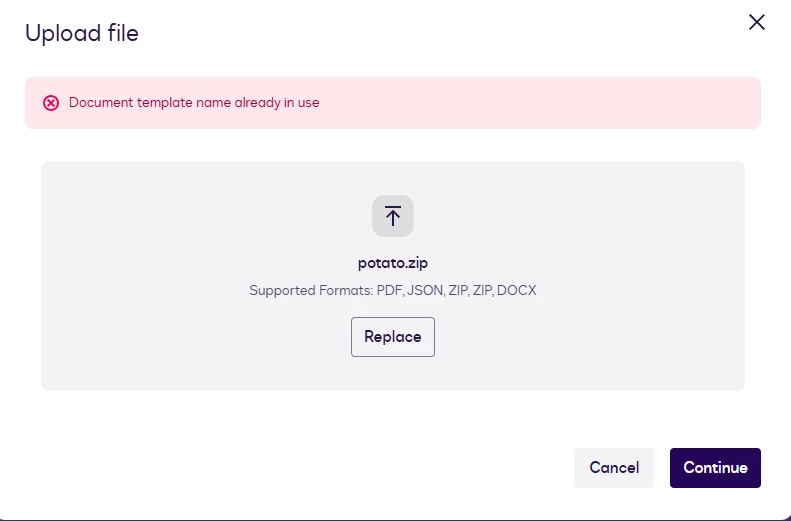
 

The more I look the more bugs/issues I find, there needs to be a lot of improvement to this features capabilities, I understand its a new product and I am sure more is to come but here are just common issues I found. 

6 replies

Jenn.Park
Docusign Employee
Forum|alt.badge.img+1
  • Docusign Employee
  • November 17, 2025

Hi there, we apologize you ran into these issues and appreciate you writing the feedback. I have shared your feedback with our product team.  


Forum|alt.badge.img+1
  • Author
  • New Voice
  • November 26, 2025

It doesn’t appear that the footer in the Document Template can be edited. Once selected, it behaves like an image—there’s no cursor or editable text. It looks like the content from the original Word document was imported as an image, and I’m unable to remove or modify it. The same issue exists with the header: even though there’s nothing in it, I’m still unable to edit or add anything.


Forum|alt.badge.img+1
  • Author
  • New Voice
  • November 26, 2025
  • I’m unable to set a signing order for document templates.
    • The signer has to set this every time and it may appear out of order and in a random order each time - you can do this through templates but not document templates
  • There’s also no testing feature—any time I need to test a template, I’m forced to create a live document, which requires entering another employees person’s email. This means I’m constantly using up our agreement quota and waiting for another employee to sign just to see how the document looks.
    • Additionally, if a template requires multiple signers, I can’t reuse the same name or email. As a result, I need multiple different employees to sign the document simply to complete a test, which is impractical and time takes a lot of time to test.
  • First issue on original post has been fixed, however you are unable to delete extra fields - forcing me to name fields random things if I want to make a new one with a different name. 
  • Unable to pre-write out subject lines and messages or attach other documents with Document Template - this is a feature with regular templates


Jenn.Park
Docusign Employee
Forum|alt.badge.img+1
  • Docusign Employee
  • November 26, 2025

Hi there, a Document Template is meant to be the source-of-truth, reusable doc for your account. You can add a document template to multiple envelope templates or add multiple document templates to an envelope template. Due to this, setting the signer order and email subject line is supposed to happen at the envelope template level after a doc template is added to it. When you add a doc template to an envelope template/envelope, the doc template roles will appear in the order they show up in the doc template role modal. 

I have relayed your feedback about ATB (the in-browser editor) to the team that owns it. Appreciate your detailed writeup and understanding as we continuously iterate on the experience. 


Forum|alt.badge.img+1
  • Author
  • New Voice
  • November 26, 2025
  • Spacing issue with Document Templates and rules
    • When you create multiple rules in one section (back to back) when you decline the rules to add texts it ad's spacing, when a bunch of declined rules add up you get a whole bunch of spacing with no way to fix it.

Forum|alt.badge.img+14
  • Community Moderator
  • March 5, 2026

Thanks for submitting this idea, ​@mk1 . We appreciate you taking the time to share it with us.

Our team is actively working through all submitted Ideas, and while there’s no update to share just yet on this one, we’ll follow up if there’s a status change. Thanks for your patience and input


