Hi @HR France,
We appreciate you reaching out to the Docusign Community, and I’ll be glad to help!
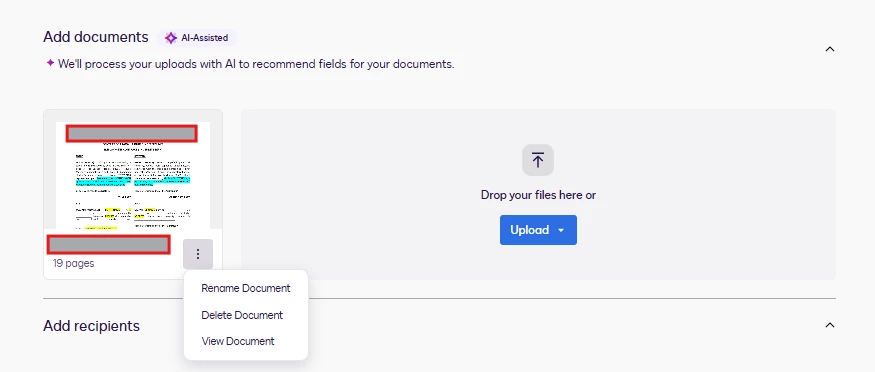
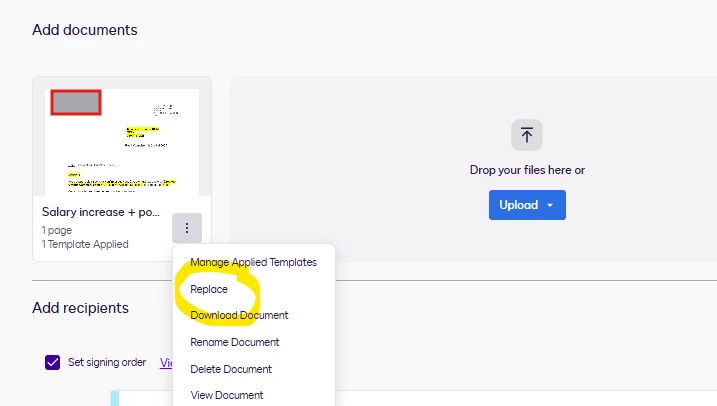
I’m sorry you are having an issue editing documents because the ‘Replace' option is missing. We apologize for the inconvenience this has caused you.
To isolate the issue, could you please check if the Agreement template Builder is enabled in your account? Kindly navigate to the Admin → Sending Settings → Templates → “Enable Agreement Template Builder”. If you are using the Template Builder to send envelopes, the Replace option is unfortunately not supported. As a workaround, you can click the Next button, switch to classic editor, and the replace option will become available. Additionally, you can disable the Agreement Template Builder to create and manage templates using the classic template experience.
If there’s anything else you need or if there’s any way we can further assist, please don’t hesitate to let us know. We’d be more than happy to help.
Best regards,
Noralynn | Docusign Community Moderator
If this helped. Feel free to Like👍and click "Best Answer."
 Back to Docusign.com