 Back to Docusign.com



Question
How to put dynamic image field in a template?
Hi, I have a template docx where I want to put payment details with QR code image (different for each user).
I’ve already tried all of the following (`payment_qr_code` = Base64 encoded image).
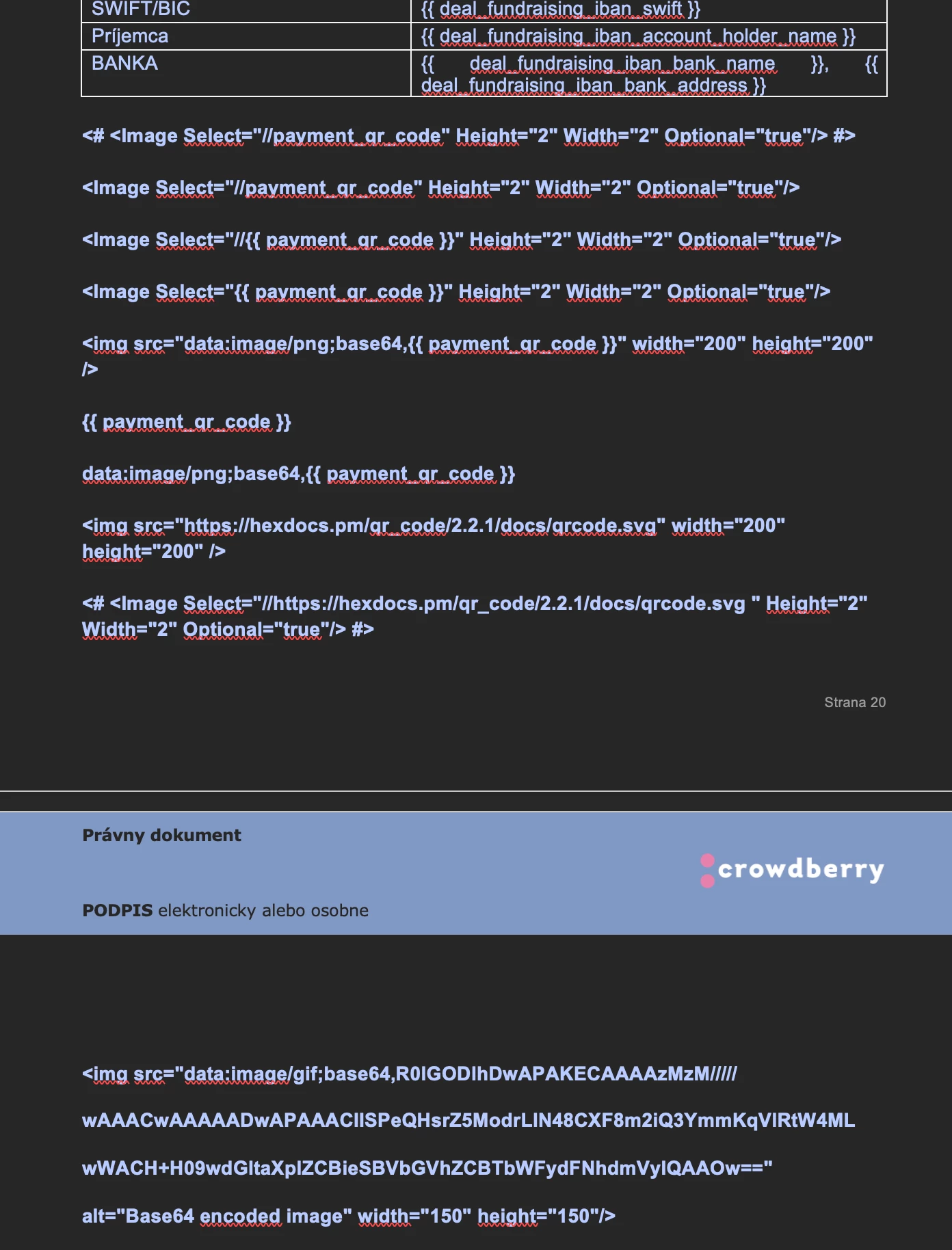
And none of it displayed anything, it just prints the string/html tag.
I use the https://developers.docusign.com/docs/esign-rest-api/reference/envelopes/documentgeneration/updateenvelopedocgenformfields/ API.