 Back to Docusign.com



Solved
DocGen Dropdown control rendering as a read-only label and not a dropdown
We have a case where we created a DocGen dropdown list in a template created in Word and using the Docusign Template Assistant.
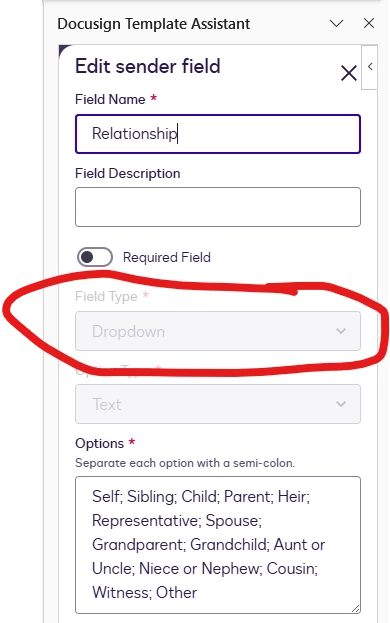
Our requirement is that we can populate the select field dynamically in the EnvelopesApi C# SDK.And that the dropdown needs to be editable for the signers.What is happening is that the value we set in the code appears on the document but only as a label. There is no dropdown on the sent document, only the read-only field.Is this even possible and if so, how? Thank you.We would assume that a dropdown presents selectable options to users. Is this expected behavior? If so, what is the use case for it?Code example is below.This is how we create the field
return new DocGenFormField
{
     Label = "SomeLabel,
     Name = "FieldName,
     Type = "Select",
     Options = (this is a List of DocGenFormFieldOption with label and selected set. e.g. label = "option 1", selected = "False", label = "option 2", selected = "True".
};
Which is passed to this method. We know it is correct because we can populate all the other DocGen form fields.
envelopesApi.UpdateEnvelopeDocGenFormFields