 Back to Docusign.com



Solved
Recipient view URL refuses to load in an iframe (X-Frame-Options/frame-ancestors) — how to embed the new signing experience?
Goal: Embed signing in our web app via an iframe with a working change language function.
When we render the signing URL in our webpage, in an iframe, and then we try to change the language as in the screenshot below:
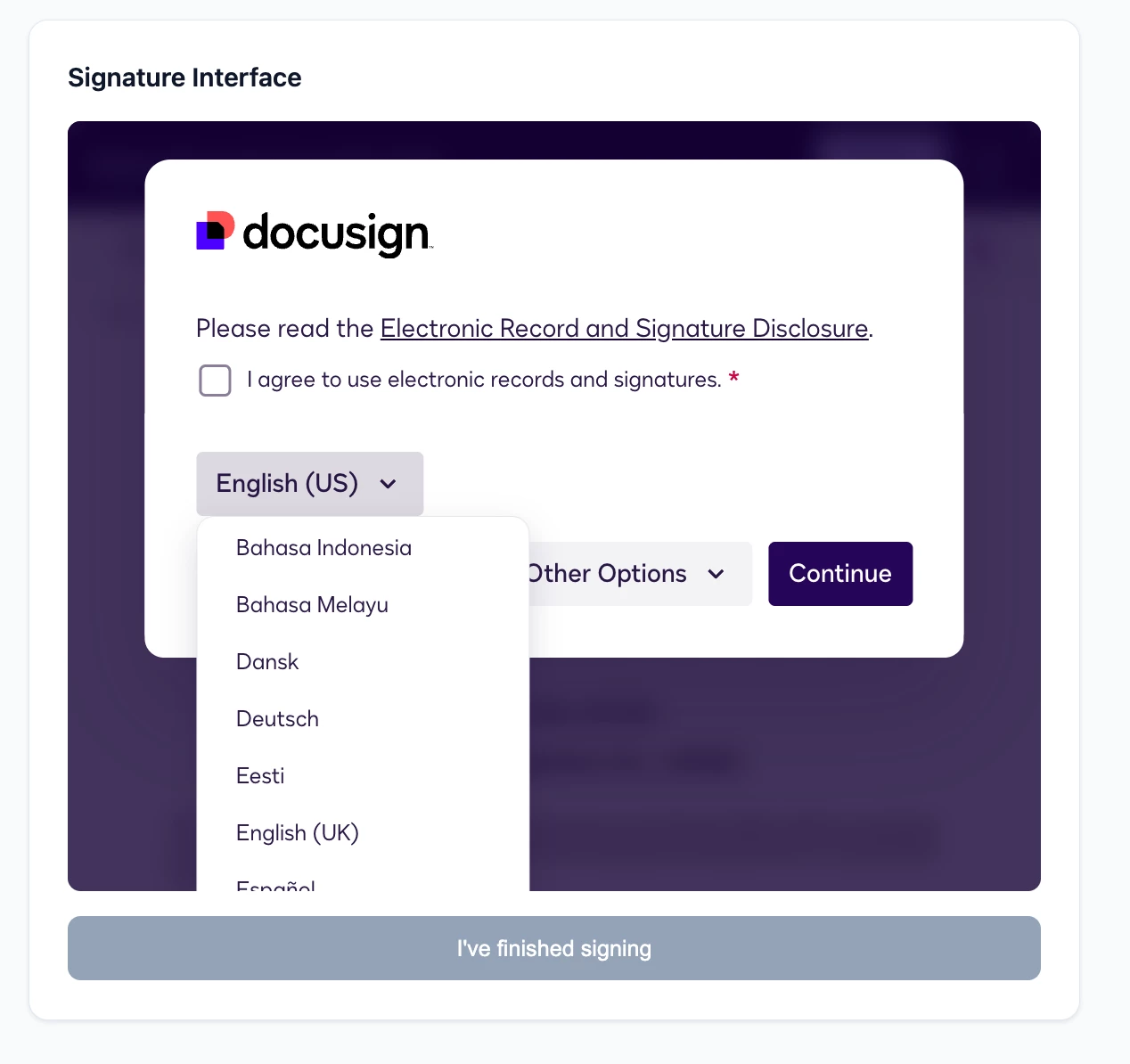
We get apps.docusign.com refused to connect error message
Front-end logs shows also:
Framing 'https://apps.docusign.com/' violates the following Content Security Policy directive: "frame-ancestors 'self' https://apps.docusign.com". The request has been blocked.
Have anyone faced this issue before, and is there a workaround to make this change of language function actually work in embedded signing?
Account type: developer/demo. Thanks!