 Back to Docusign.com



DocuSign C# SDK – Recipient View works in one demo account but fails in another
I’m using the DocuSign C# SDK to generate a Recipient View URL and load it inside an <iframe> in my application.
The code and integration configuration are essentially the same, but I’m seeing different behavior depending on the demo account:
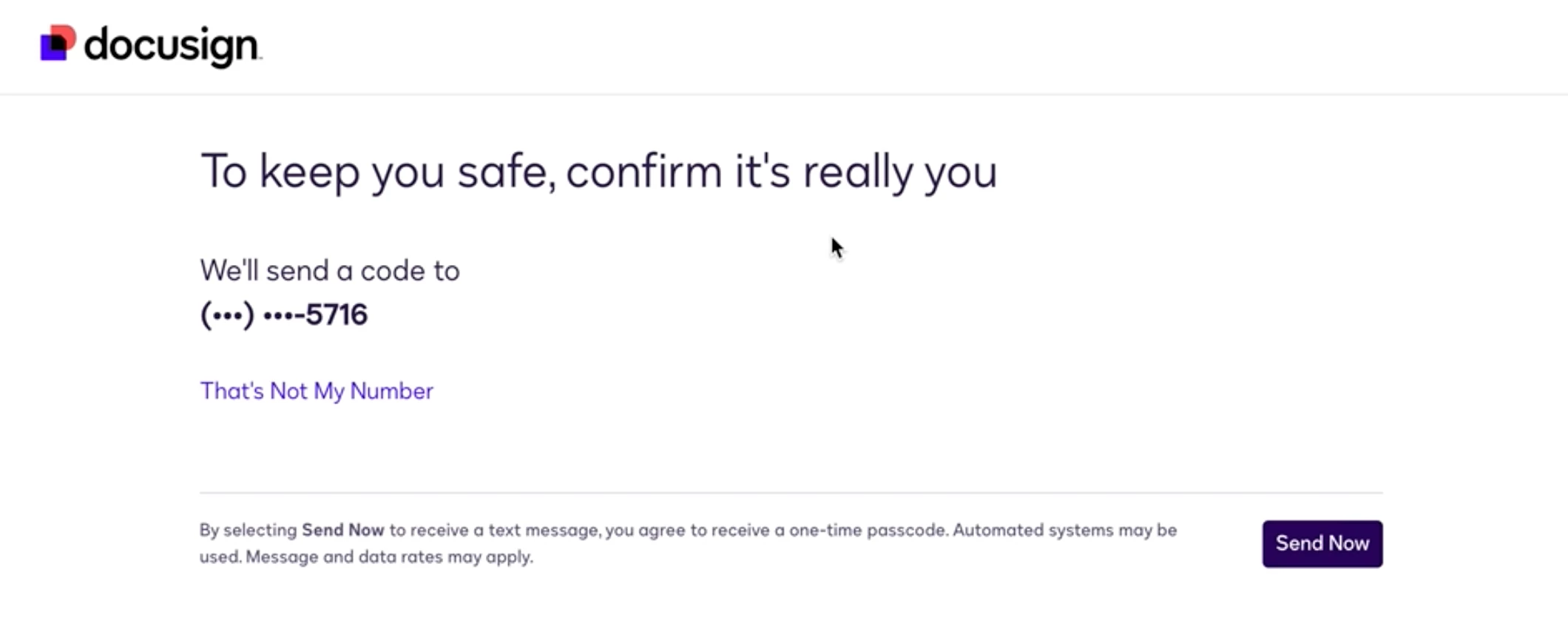
- Demo Account A: The Recipient View URL initially loads correctly inside the iframe and displays the authentication/verification process. However, after the authorization code is entered, the flow fails and the next page cannot be loaded inside the iframe due to
X-Frame-Options/Content-Security-Policy (frame-ancestors). - Demo Account B: The exact same implementation works correctly, including the step after entering the authorization code.
So, the issue does not occur when the Recipient View URL is initially loaded. The iframe successfully loads the authentication flow. The problem happens after the authorization code is entered, when DocuSign redirects/loads the next page.
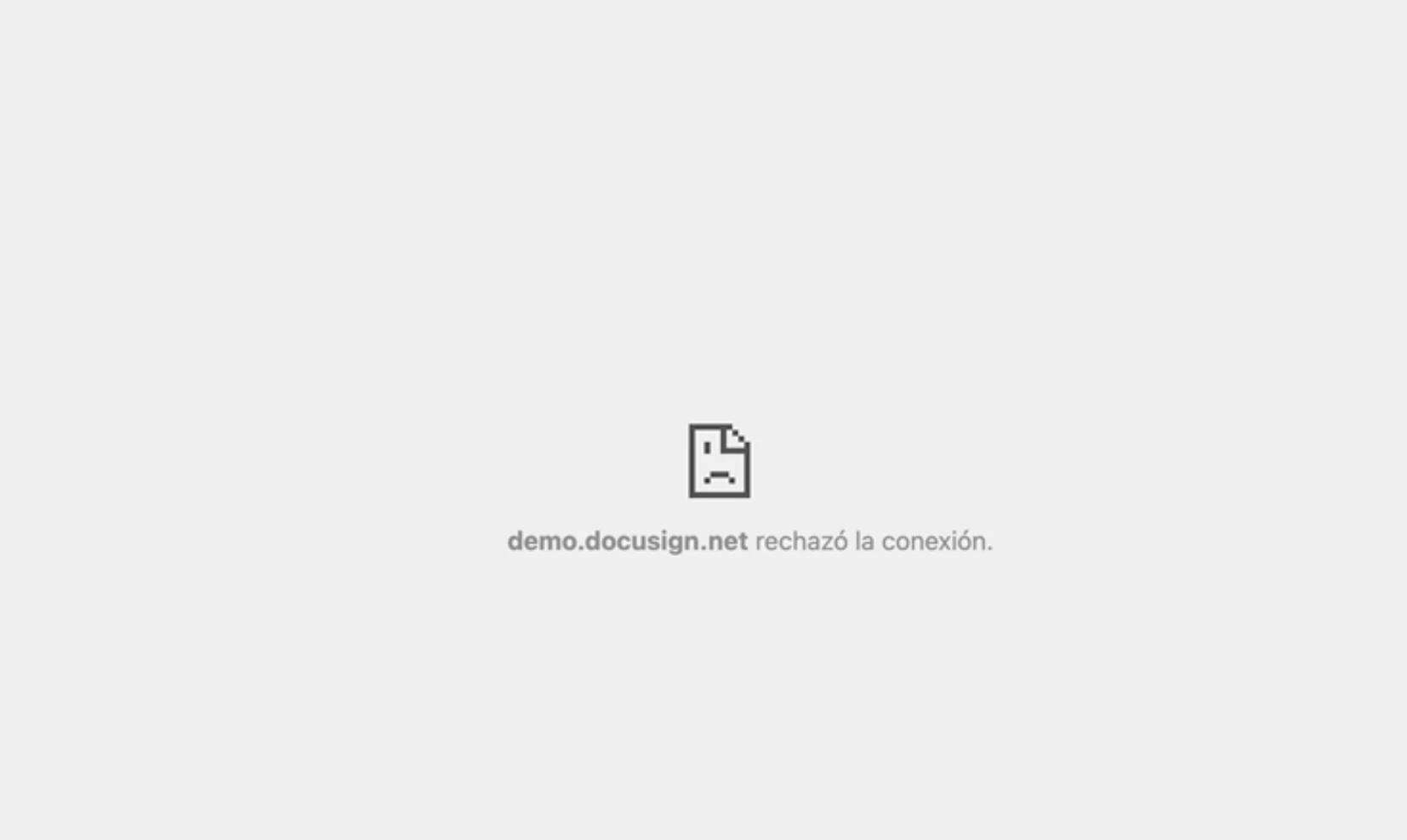
The browser error is related to the page not being allowed to be displayed inside a frame because of X-Frame-Options / frame-ancestors, for example:
Refused to display 'https://demo.docusign.net/' in a frame because it set 'X-Frame-Options' to 'sameorigin'.
My question is:
Is there an account-level setting in DocuSign that determines whether a Recipient View URL can be loaded inside an iframe?