Newcomer
April 16, 2025
Solved

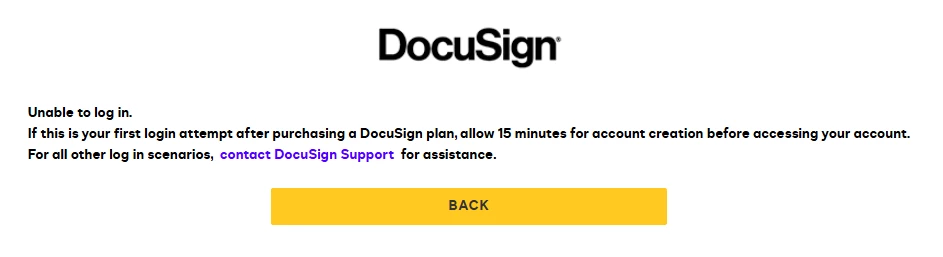
When I try to click "Request 1:1 Guidance", I get an "Unable to log in" message.

  • April 16, 2025
  • 2 replies
  • 107 views

I’ve been experiencing some issues during the onboarding process, so I previously reached out to onboardingreadiness@docusign.com for assistance. 

When I try to click "Request 1:1 Guidance", I get an "Unable to log in" message. As we are currently using a Success Pack, I was hoping to receive more timely support.
 

Best answer by Alexandre.Augusto

Hello, ​@shcho


Try to use another browser and/or open an incognito window then try to login. If the issue still happening so it’s better to open a Support ticket.


I hope that helps, if so, I’d appreciate your Like here.


Best,

Alexandre

2 replies

Alexandre.Augusto
Docusign Employee
Docusign Employee
April 16, 2025

Hello, ​@shcho


Try to use another browser and/or open an incognito window then try to login. If the issue still happening so it’s better to open a Support ticket.


I hope that helps, if so, I’d appreciate your Like here.


Best,

Alexandre

Your feedback is very appreciated! You can give a Like and mark this answer as the "Best Answer" for your issue. DocuSign University http://dsucustomers.docusign.com
Community Moderator
April 23, 2025

Hello ​@shcho,

I hope you are doing well. I want to confirm if you were able to solve your issue by utilizing the suggested solution or if the information provided was useful. If so, please mark it as the "Best Answer ✅" by clicking “Select as Best” to make it easier for other users to find. Otherwise, let me know and I will gladly help you address the situation as soon as possible.


Best regards,

Jenny | Docusign Community Moderator

"Select as Best" below if you find the answer a valid solution to your issue.


