 Back to Docusign.com




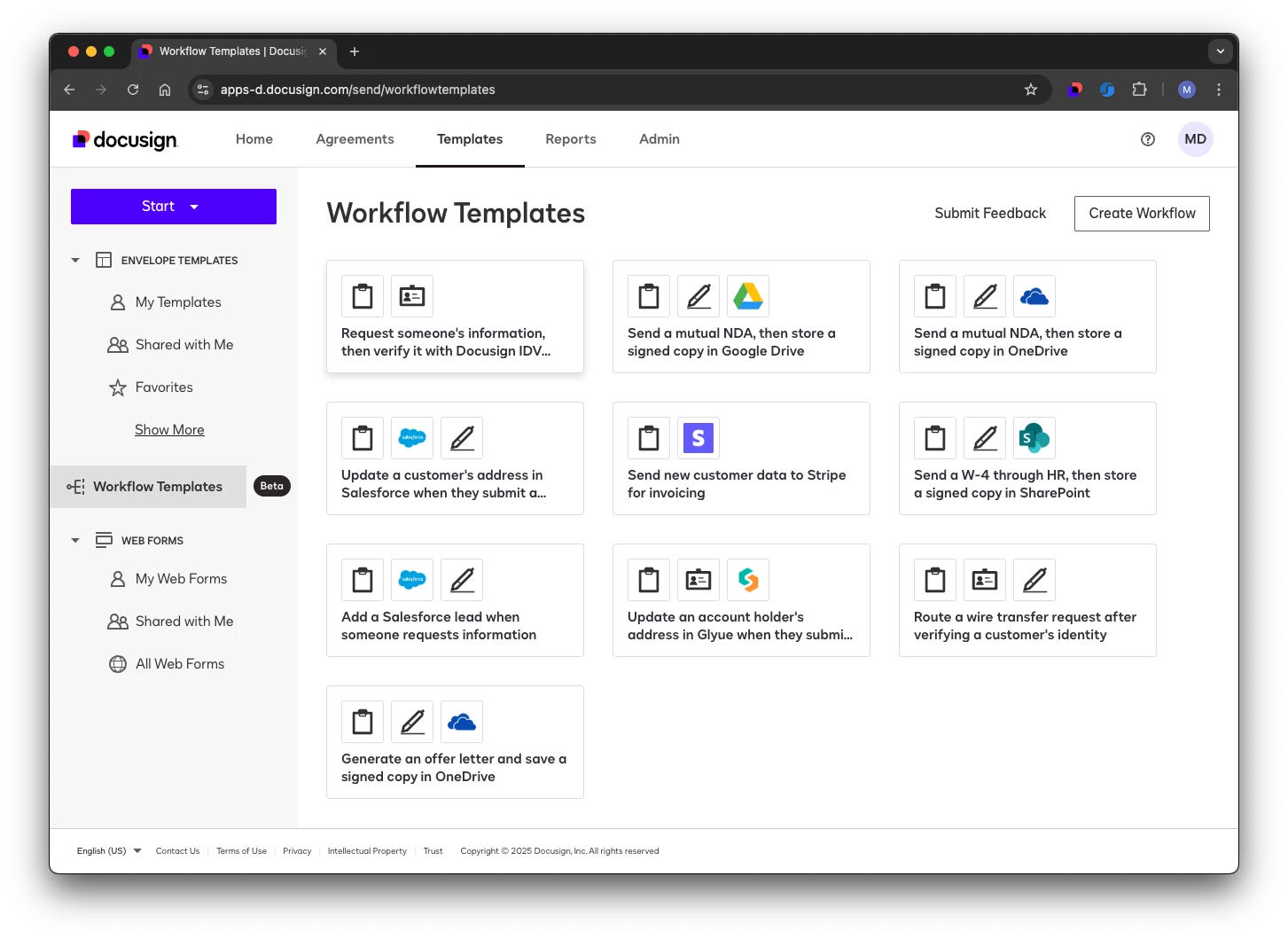
I have great news for you! We have built some workflow samples available for your use in our DocuSign Template Library! Getting your feet wet with a Sample workflow from the library will help you see the possibilities and power of using Maestro Workflows. Visit the Template Library to get started putting Maestro Workflows to work for you!

Are you wondering where to begin with Maestro Workflows?



Sign up
Already have an account? Login
You can login or register as either a Docusign customer or developer. If you don’t already have a Docusign customer or developer account, you can create one for free when registering.
Customer Login/Registration Developer Login/RegistrationDocusign Community
You can login or register as either a Docusign customer or developer. If you don’t already have a Docusign customer or developer account, you can create one for free when registering.
Customer Login/Registration Developer Login/RegistrationEnter your E-mail address. We'll send you an e-mail with instructions to reset your password.