Conversation Starter
July 18, 2024
Solved

Can we change the verbiage for the title in the error message when docusign is not able to start

  • July 18, 2024
  • 3 replies
  • 135 views

Hi everyone

I would like to know if we can update the title of the message (Unable to start signing process) when DocuSign runs into issues when starting the signing process.
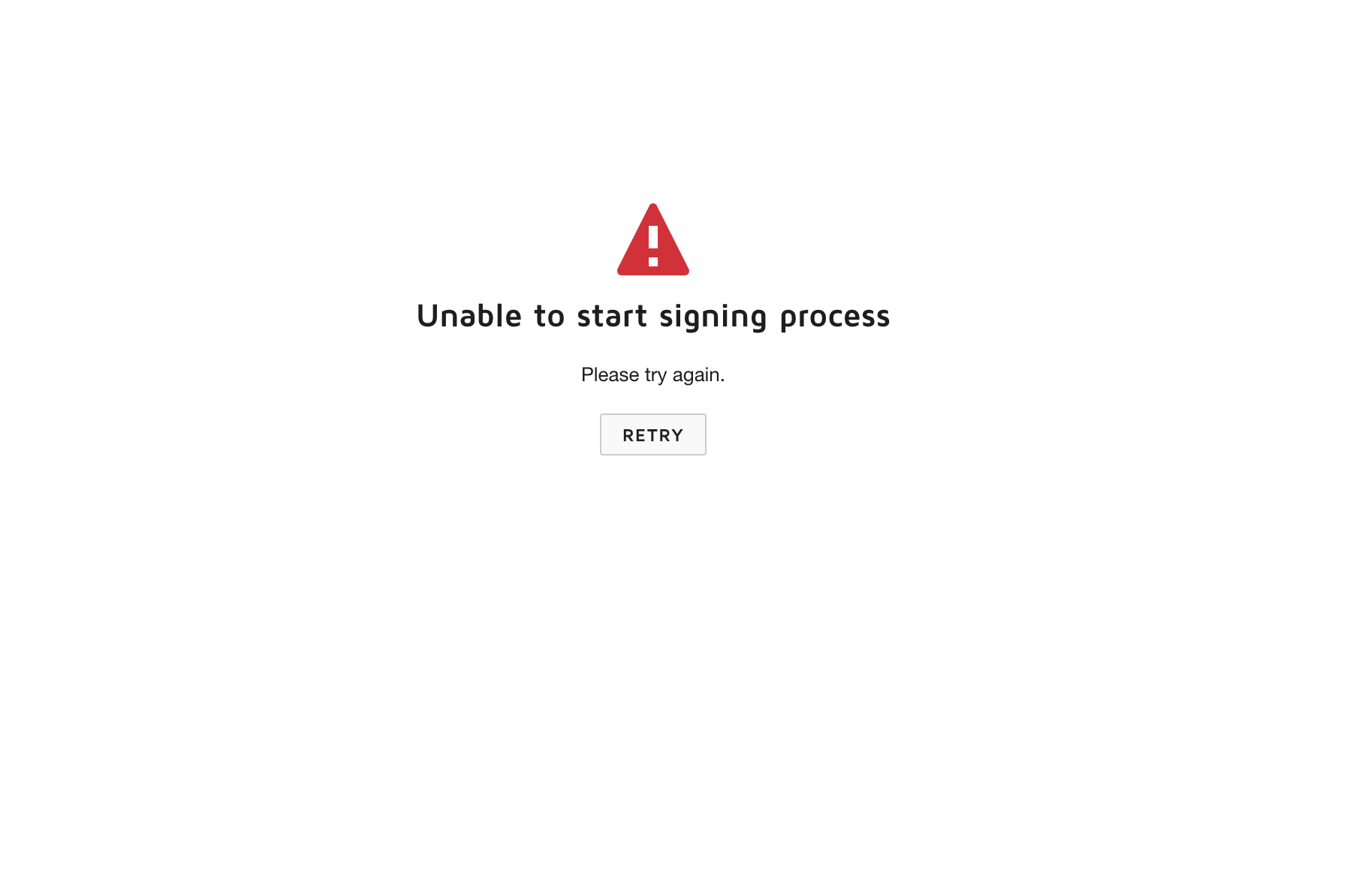
I tried to update the resouce file (XML file) that I set up for my brand which is this key: PowerForm_UnableToStartSigning

 

but it does not work.

Thanks in advance


Regards.



Best answer by JohnSantos

@mlopezchina 

You are using an embedded signing scenario.  If that is the case, you need to update the Captive Signing Resource File.

3 replies

JohnSantos
Guru
Guru
July 18, 2024

@mlopezchina 

Are you receiving that message when using a PowerForm? If so, please verify that it is pointing to the brand where you made the changes to the resource file. Keep in mind that it can sometimes take a while for these changes to take effect.

Welcome to the DocuSign Community! Your feedback is highly valued. If you find my response helpful, please give it a "Like" and consider marking it as the "Best Answer" to assist others with similar issues.
Conversation Starter
July 18, 2024

Hi @JohnSantos thank you for taking the time for my question.

I am not using PowerForm, I’m create a URL that enables me to embed the recipient view of the DocuSign UI in my application to sign a document using the DocuSign SDK.

I just blocked the requests for demo.docusign.net domain to get that message but I need to update the verbiage for my use case

I also updated the resource file to hide some options when signing (Decline to sign and Finish later ) and those changes took effect but did not get any luck for that verbiage so not sure if I can update it


Thanks.


Regards.


Mariano Lopez.

JohnSantos
Guru
Guru
July 22, 2024

@mlopezchina 

You are using an embedded signing scenario.  If that is the case, you need to update the Captive Signing Resource File.

Welcome to the DocuSign Community! Your feedback is highly valued. If you find my response helpful, please give it a "Like" and consider marking it as the "Best Answer" to assist others with similar issues.


