 Back to Docusign.com



Solved
To continue, add a name and email for each recipient
Hello.
I am very new to Docusign. We are in the process of setting up Docusign with Salesforce.
I have added the recipients by role. When I try to send the document I am getting the error noted in the title.
Please let me know if additional information is needed.
Thank you,
Nancy
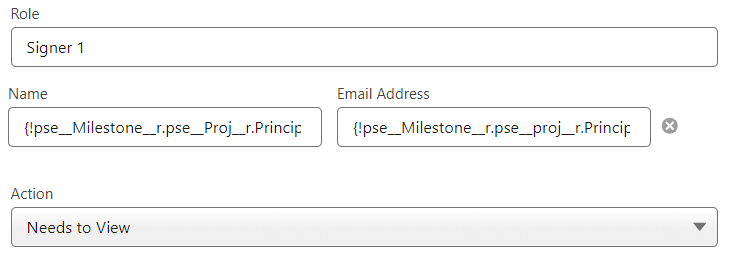
{!pse__Milestone__r.pse__Proj__r.Principal_In_Charge__r.Contact.Name}
{!pse__Milestone__r.pse__proj__r.Principal_In_Charge__r.Contact.Email}
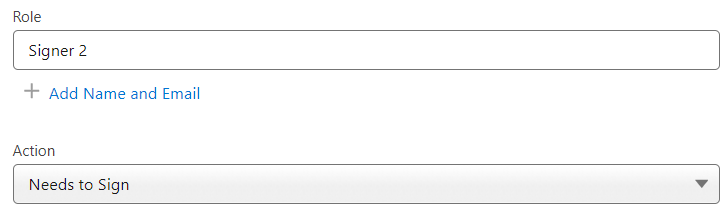
Signer will be assigned manually
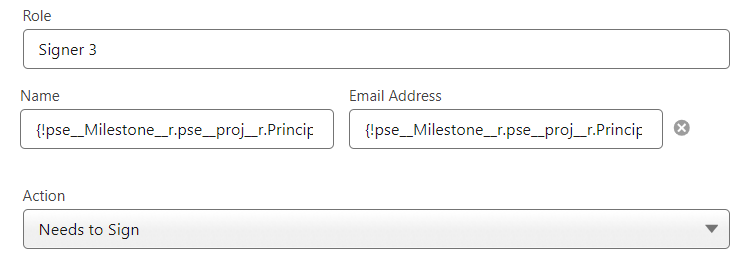
Name
{!pse__Milestone__r.pse__Proj__r.Principal_In_Charge__r.Contact.Name}
Email
{!pse__Milestone__r.pse__proj__r.Principal_In_Charge__r.Contact.Email}