New Voice
April 26, 2024
Solved

Primary Logo

  • April 26, 2024
  • 3 replies
  • 158 views

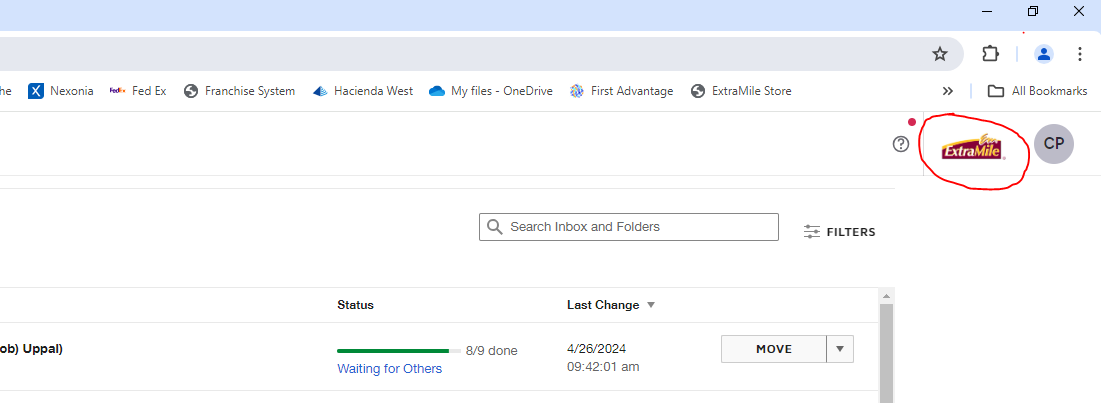
How can I change my Logo on my homepage? I have already updated it in settings under Brands. 
 

Best answer by Alexandre.Augusto

Hello, @Colleen Pertez 


Welcome to the Docusign Community!


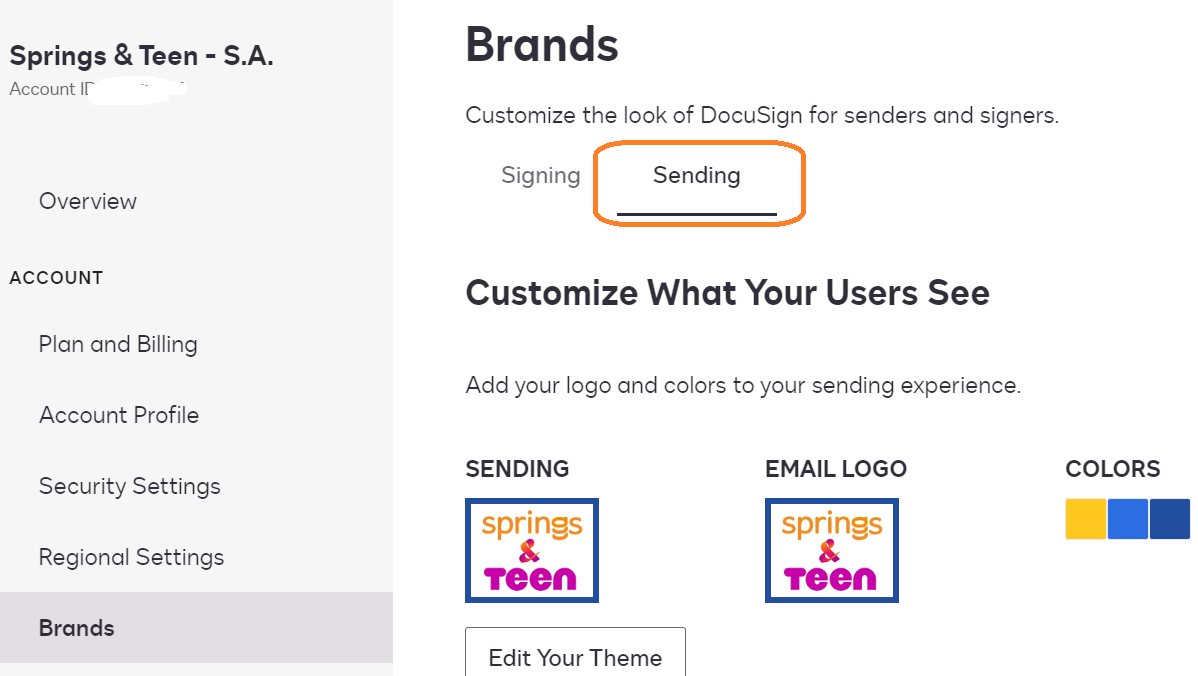
Have you configured the Sending LOGO? See below


If you did it, so close all your browsers sessions logged to your Docusign accunt.

Open a browser, clear the Cache and try again. Or try to use an incognito window to login into your Docusign Account, your updated logo should show up correctly. 


I hope that helps!

Best,

Alexandre

3 replies

Alexandre.Augusto
Docusign Employee
Docusign Employee
April 26, 2024

Hello, @Colleen Pertez 


Welcome to the Docusign Community!


Have you configured the Sending LOGO? See below


If you did it, so close all your browsers sessions logged to your Docusign accunt.

Open a browser, clear the Cache and try again. Or try to use an incognito window to login into your Docusign Account, your updated logo should show up correctly. 


I hope that helps!

Best,

Alexandre

Your feedback is very appreciated! You can give a Like and mark this answer as the "Best Answer" for your issue. DocuSign University http://dsucustomers.docusign.com
Justin Jiang
Established Contributor
April 27, 2024

Just adding to the previous response, I will test the logo in the sandbox. Since when I tried the first time, the image was too big.

Welcome to the DocuSign Community and University! Your feedback is immensely appreciated. If this answer resolves your issue, please feel free to give it a Like and mark it as the "Best Answer". This helps others in the community find the information they need. Visit us at http://dsucustomers.docusign.com for more resources and support.
Docusign Employee
May 13, 2024

Hi @Colleen Pertez,


I hope you are doing well.


I would like to confirm if you were able to solve your issue by utilizing the solution that was suggested? 


If so, please mark it as the best answer by clicking “Select as Best” to make it easier for other users to find.


Otherwise, feel free to let me know and I will gladly help you address the situation as soon as possible.


Best regards,   

Alejandro R. | Docusign Community Moderator   

"Select as Best" below if you find the answer a valid solution to your issue!