Newcomer
July 2, 2024
Solved

Customize docusign e-mail message

  • July 2, 2024
  • 3 replies
  • 1185 views

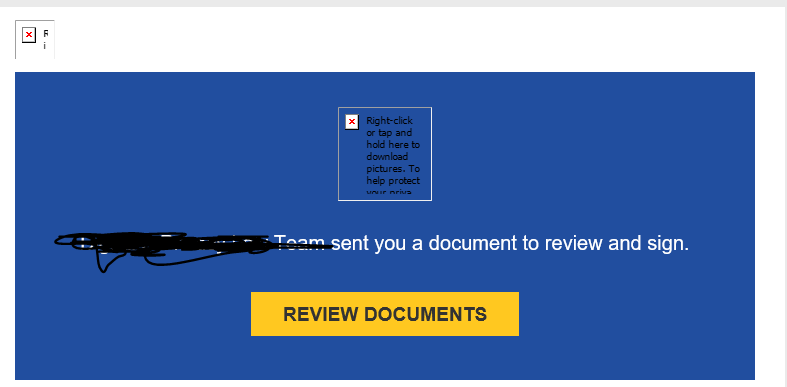
Hello, how can i customize the following message?

How can i change the sender name?
Thanks,

Stefano

Best answer by Michael.Rave

@Ste

Depending on your Docusign plan you may also be able to change the entire layout of the email notifications by editing the email resource file. This requires to have Advanced Branding to be part of your Docusign subscription.

3 replies

Pawan Gangwani
Hero
Hero
July 2, 2024

Hello @Ste 
 

Welcome to the DocuSign community!

If you wanna modify the message, so while creating the envelop and sending for signature to recipients. you get the option to change message, refer the picture below.

and for changing the sender name, The user who is preparing the envelop or sending for signature, it will take the name of that sender. If you want to change the name, you have change the user name.
 

Thanks!

Way to Learn | I'd love your feedback | Hit Like | Mark it Best🌈
Michael.Rave
Docusign Employee
Docusign Employee
July 2, 2024

@Ste

Depending on your Docusign plan you may also be able to change the entire layout of the email notifications by editing the email resource file. This requires to have Advanced Branding to be part of your Docusign subscription.

"Select as Best" below if you find my answer is a valid solution to your issue and mark it as resolved.
Docusign Employee
July 16, 2024

Hello @Ste ,
If you found the provided response to be a useful solution to your question, please mark it as the best answer by clicking “Select as Best” to make it easier for other users to find.
Best regards,

Nathaly | Docusign Community Moderator
"Select as Best" below if you find the answer a valid solution to your issue!

