Newcomer
June 28, 2024
Solved

Cancel a signature as a recipient

  • June 28, 2024
  • 1 reply
  • 499 views

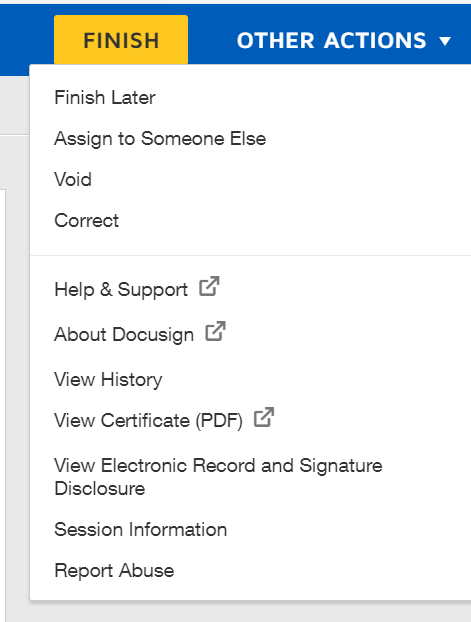
Hi, I would like to know if it is possible for a recipient to cancel their signature as long as the sender has not signed it yet. I would also like to know how to access my trash, as I thought clicking delete would cancel my signature, but I found out that was not the case.

Best answer by Pawan Gangwani

Hello @Aknt94 

I hope you doing well. First of all if you cancel or void the contract for signature then the void contract will be in inbox itself and there one more way to see all the “void” and “declined” contracts in the eSignature settings.
1. Go to settings
2. Under Signing & sending click “Document Retention”
3. Then navigate to the “Targeted Purged”


Thanks!

1 reply

Pawan Gangwani
Hero
Hero
June 28, 2024

Hello @Aknt94 

I hope you doing well. First of all if you cancel or void the contract for signature then the void contract will be in inbox itself and there one more way to see all the “void” and “declined” contracts in the eSignature settings.
1. Go to settings
2. Under Signing & sending click “Document Retention”
3. Then navigate to the “Targeted Purged”


Thanks!

Way to Learn | I'd love your feedback | Hit Like | Mark it Best🌈

