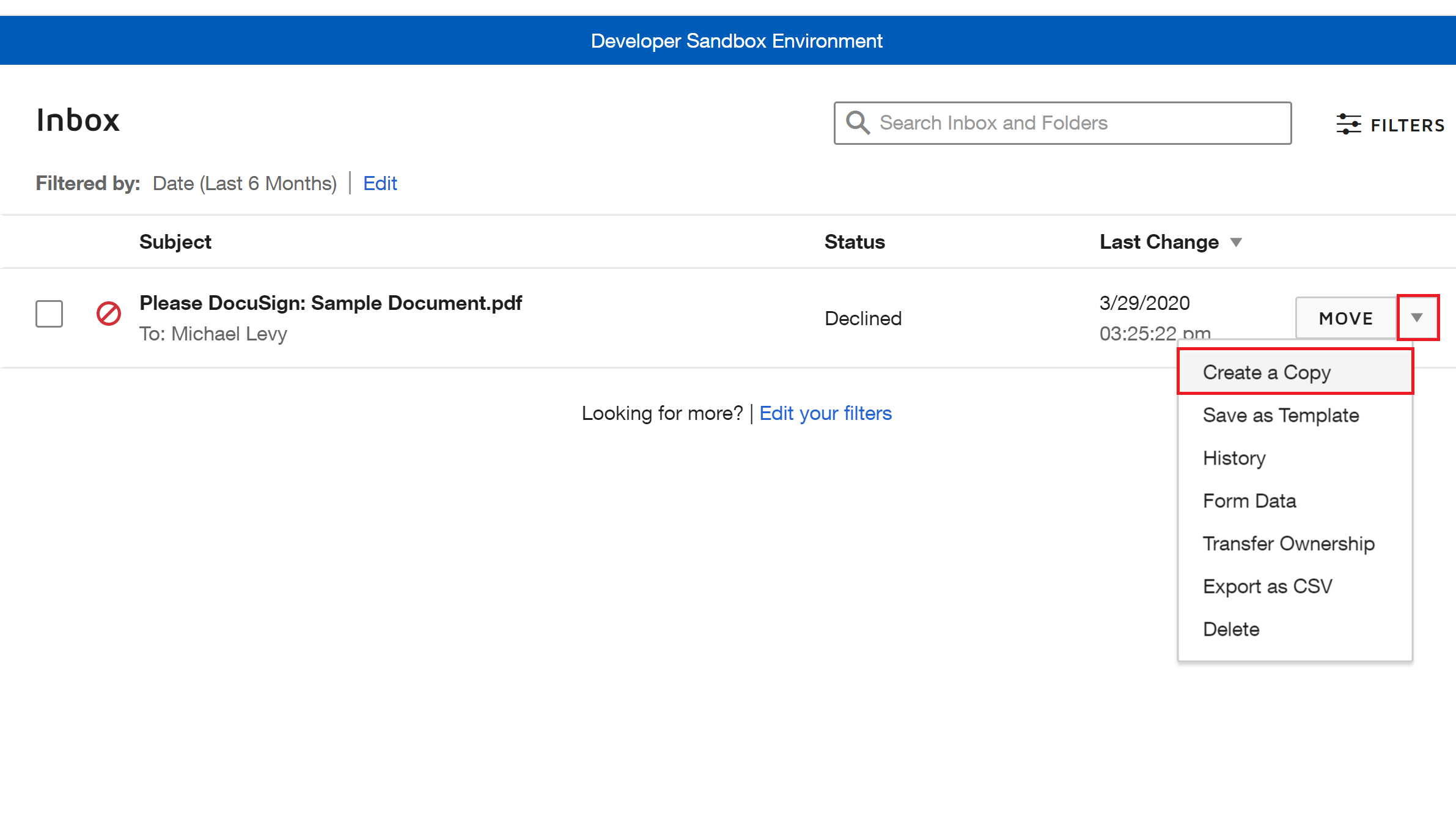
You can make a Copy of any envelope (even voided or declined) but it needs to go through the entire signing workflow again from the beginning. From the Manage tab, click the arrow next to the actions button and select Create a Copy.
You can then make any changes needed (change the document, recipients, fields, etc) before hitting Send.
You can make a Copy of any envelope (even voided or declined) but it needs to go through the entire signing workflow again from the beginning. From the Manage tab, click the arrow next to the actions button and select Create a Copy.
You can then make any changes needed (change the document, recipients, fields, etc) before hitting Send.
You can login or register as either a Docusign customer or developer. If you don’t already have a Docusign customer or developer account, you can create one for free when registering.
You can login or register as either a Docusign customer or developer. If you don’t already have a Docusign customer or developer account, you can create one for free when registering.
 Back to Docusign.com