Hi,
Thank you for reaching out here in the DocuSign Community.
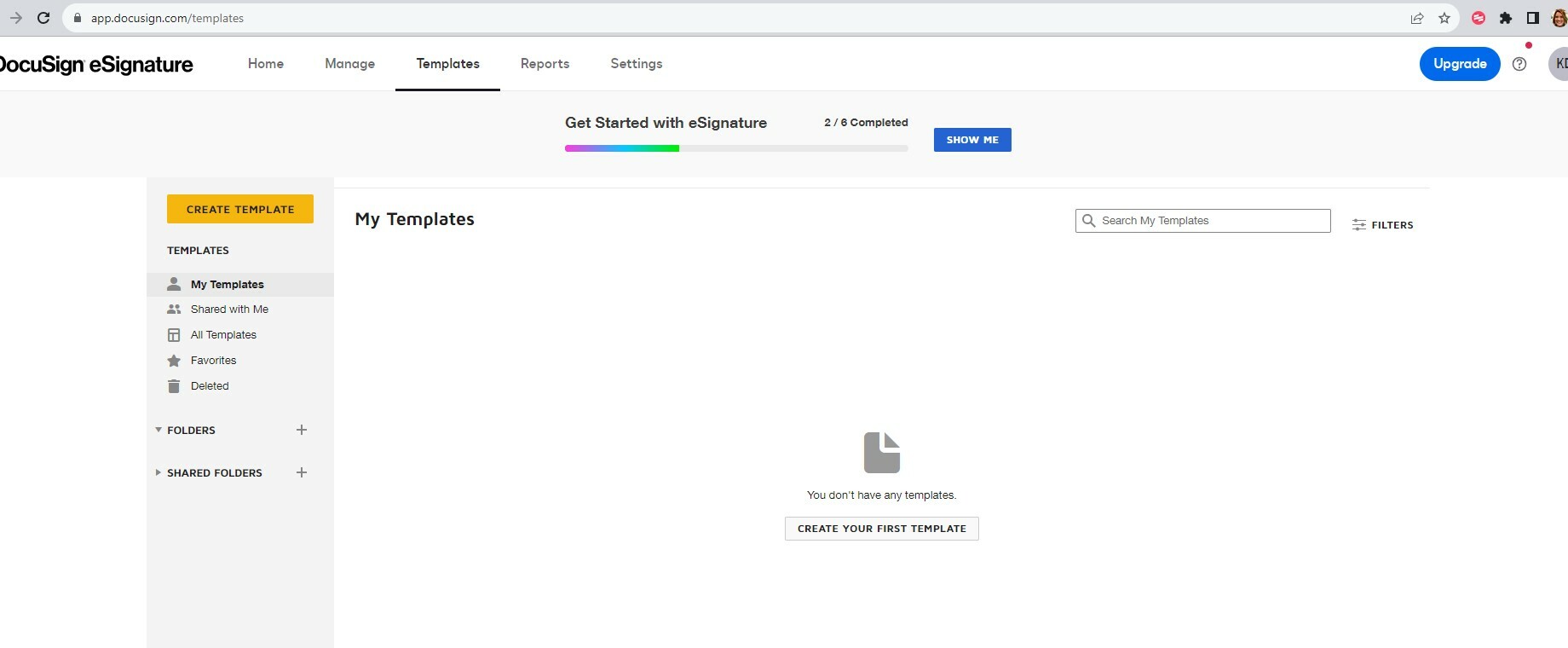
I am sorry to hear that you are not getting the option to upload a template, but I will gladly help you correct the issue as soon as possible.
This behavior is defined by the account administrator in Settings>Sending Settings>Enable Template Upload.
However, there are scenarios in which the setting might not be visible as an option in the account settings.
In this case, DocuSign Support will need to enable the feature on the application's back end on your behalf.
To do so, please create a case and have a Support Expert take a closer look at your setup.
https://support.docusign.com/en/contactSupport
If you are not able to open the case on the same page, you should scroll down to More Support Options and select "I can't reset my password or don't have an account." you will have the option of filling out the form or calling Support.
Feel free to let us know if you need further assistance with this.
Thank you for using DocuSign, we hope you have a wonderful rest of your day!
Best regards,
Alejandro R. | DocuSign Community Moderator
"Select as Best" below if you find the answer a valid solution to your issue!
 Back to Docusign.com