Newcomer
June 19, 2024
Solved

How can I remove DocuSign logo from emails?

Hi

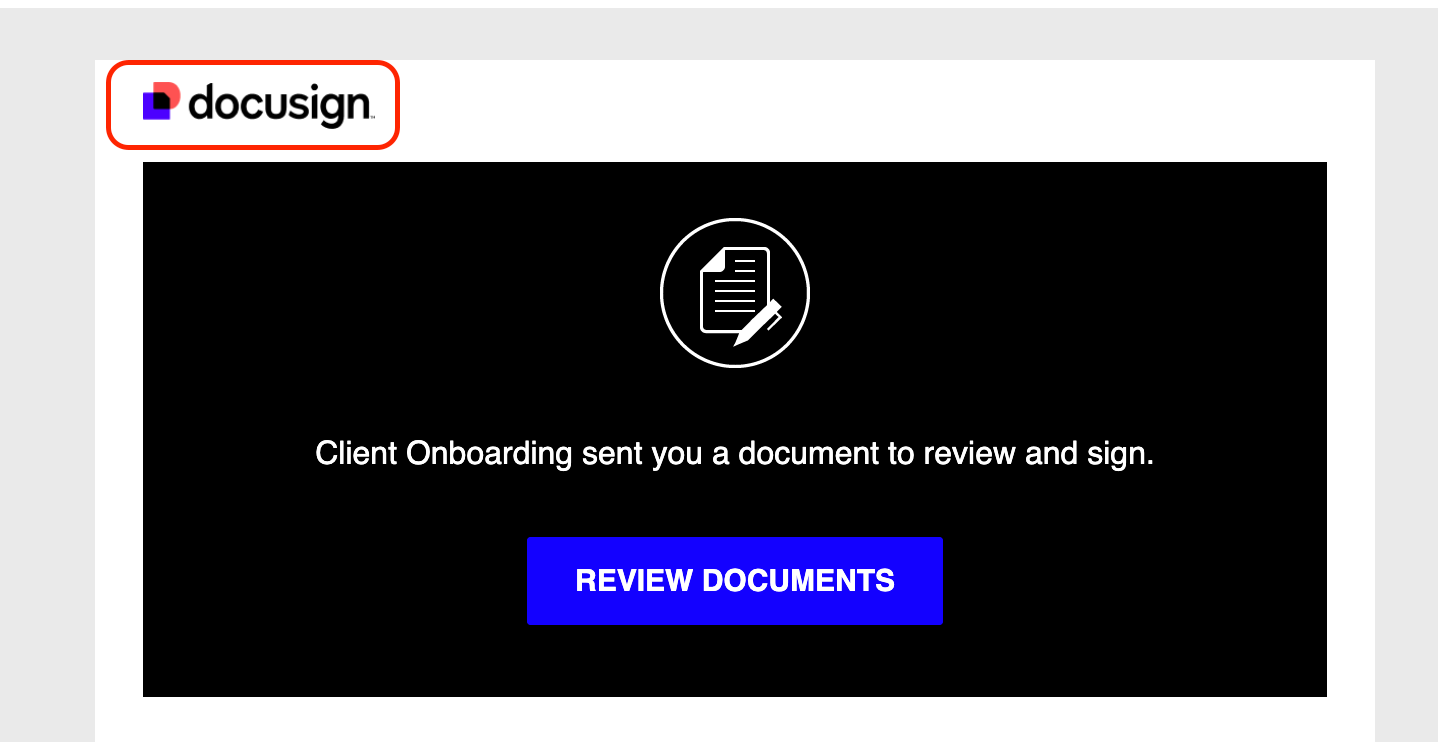
How can I remove the logo from emails that are sent to clients? Is it possible to add my logo instead? Thanks!
 

Pawan Gangwani
Hero
June 19, 2024

Hello @Retailbox 

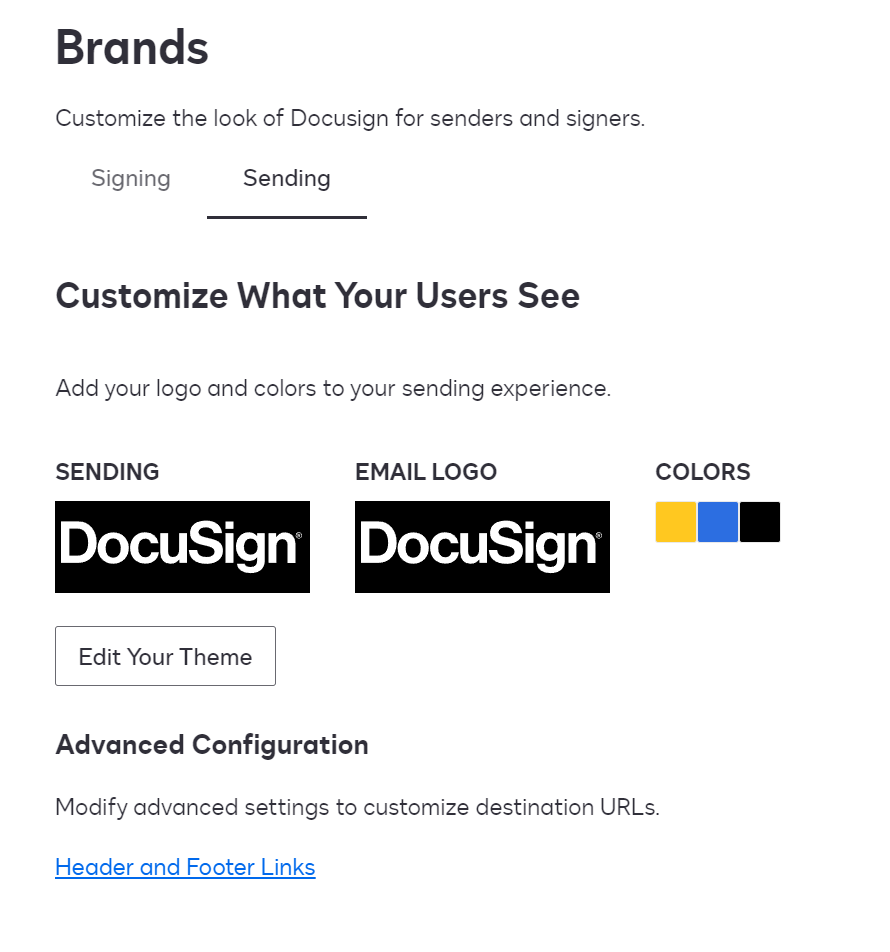
so if you wanna update your logo, then is it gonna be easy fix. Just go to the signature Settings and then click on “Brands” in left hand side. You get screen same like the screenshot and then navigate to the “Sending” and click on “Edit Your Theme”.

Check out the articles for more information: 


Thanks!

Way to Learn | I'd love your feedback | Hit Like | Mark it Best🌈

2 replies

Pawan Gangwani
Hero
Hero
June 19, 2024

Hello @Retailbox 

so if you wanna update your logo, then is it gonna be easy fix. Just go to the signature Settings and then click on “Brands” in left hand side. You get screen same like the screenshot and then navigate to the “Sending” and click on “Edit Your Theme”.

Check out the articles for more information: 


Thanks!

Translate
Way to Learn | I'd love your feedback | Hit Like | Mark it Best🌈
Docusign Employee
July 3, 2024

Hello @Retailbox ,


If you found the provided response to be a useful solution to your question, please mark it as the best answer by clicking “Select as Best” to make it easier for other users to find.


Best regards,

Nathaly | Docusign Community Moderator
"Select as Best" below if you find the answer a valid solution to your issue!

Translate