New Voice
April 23, 2024
Solved

disable email notification for voided envelopes

  • April 23, 2024
  • 2 replies
  • 803 views

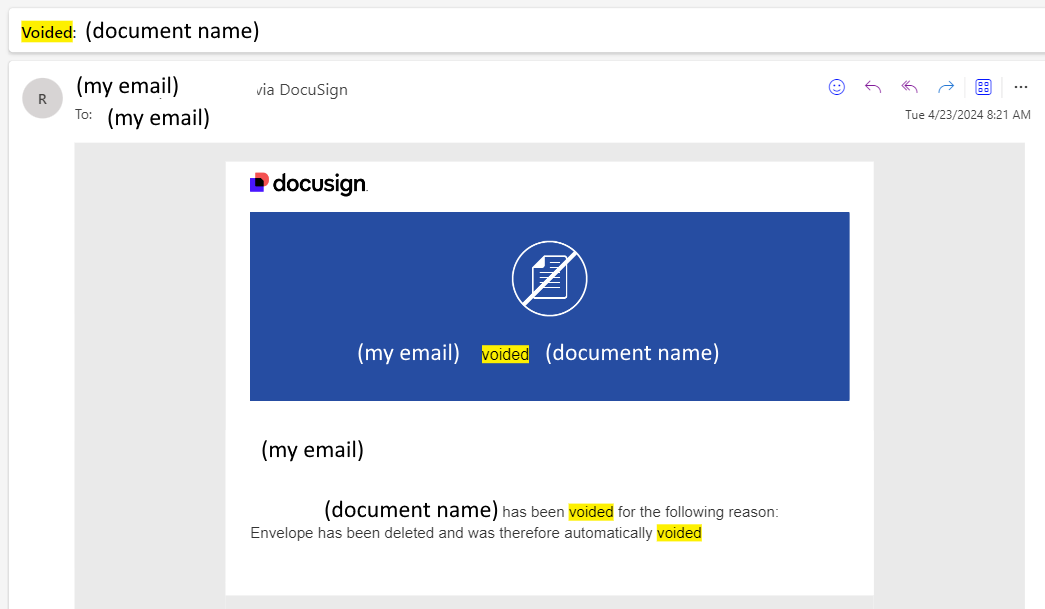
So sometimes, I receive a notification email that a document I sent out (I’m not the signer) was voided. How do I disable this notification email (on documents for which I’m not the signer)?



Best answer by David.Schmitz

@AugustZellmer As the Sender of the envelope this notification would occur due to the Notification being enabled for that action. To change, login to DocuSign, go to the Profile Pic in the upper right, select My Preferences, then Notifications to the left.  Under the section for “Sending Notifications” uncheck “A signer declines to sign” then Save.

2 replies

Hero
April 23, 2024

@AugustZellmer As the Sender of the envelope this notification would occur due to the Notification being enabled for that action. To change, login to DocuSign, go to the Profile Pic in the upper right, select My Preferences, then Notifications to the left.  Under the section for “Sending Notifications” uncheck “A signer declines to sign” then Save.

Newcomer
July 18, 2024

Is there a way to turn off voided e-mails being sent and received by a recipient, if they don’t end up signing the document? We want to disable voided e-mails being sent to customers and clean up for any e-mail campaigns with a signature where a link is no longer valid or available due to campaign being done.   

Thanks

