Newcomer
April 2, 2024
Solved

Bulk upload error not shown

  • April 2, 2024
  • 3 replies
  • 113 views

Dear Team, 


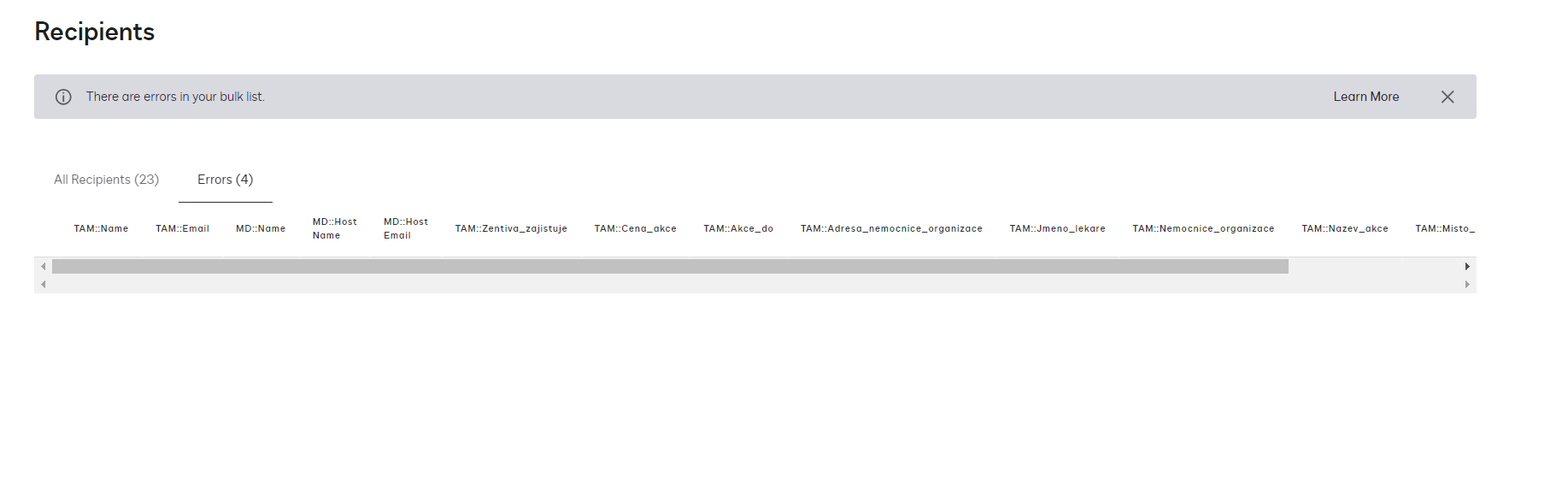
we encounter a strange error. We are generating CSV files from our system that we load to docusing to bulk send. This worked flowlessly until today. there is a new look and during validation it shows that there are some errors. Unfortunately these errors are not presented, so I do not know what to fix. 


Even stranger, I tried to delete a few entries from the CSV and it seems to generate the errors in random. IF I upload the whole file i get 5 errors,  if I delete row 1-20 i get around 4 error, but if I bring back 1-20 and delete 21-40 it gives 3 errors. (SO from my calculation if i get 5 error in the whole CSV I should get only5 error in total when I delete some records…


Could you help my?

Best

Martin 

Best answer by Alexandre.Augusto

Hello, @Future001 


Welcome to the DocuSign Community.


Did you get the Bulk Send resultant log to verify those 4 errors? In the log you can see the error. Download as .CSV, in the last column you can see the details for the errors.


Best,

Alexandre

3 replies

Alexandre.Augusto
Docusign Employee
Docusign Employee
April 2, 2024

Hello, @Future001 


Welcome to the DocuSign Community.


Did you get the Bulk Send resultant log to verify those 4 errors? In the log you can see the error. Download as .CSV, in the last column you can see the details for the errors.


Best,

Alexandre

Your feedback is very appreciated! You can give a Like and mark this answer as the "Best Answer" for your issue. DocuSign University http://dsucustomers.docusign.com
Future001NewcomerAuthor
Newcomer
April 2, 2024

Dear Alexandre,


thank you for the prompt reply, I do not see any option to download such log...


Could you navigate me, where such a log can be downloaded?

Best

Martin

Docusign Employee
April 16, 2024

Hi @Future001,


I hope you are doing well.


I would like to confirm if you need further assistance, feel free to let me know and I will gladly help you address the situation as soon as possible.


Best regards,


Christopher | DocuSign Community Moderator

"Select as Best" below if you find the answer a valid solution to your issue.