Back to Docusign.com



FAQ: What are the new Iris-powered AI capabilities in Docusign IAM?
Docusign is introducing new AI and agent capabilities powered by Iris in Intelligent Agreement Management (IAM).
These capabilities help teams move from understanding agreements to taking action on them, whether that means asking questions, reviewing agreements against playbooks, preparing for renewals, adding agents to agreement workflows, or connecting agreement intelligence to external AI tools.
Here’s a quick overview of what’s new and how to get started. For a deeper dive, check out these articles: A Developer’s Guide to Docusign Iris and Agentic Capabilities and Turn Insights into Action with Docusign Iris AI and Agentic Capabilities.
If you have questions about the new capabilities, share them in the comments.
Frequently Asked Questions
What are the new Iris-powered capabilities?
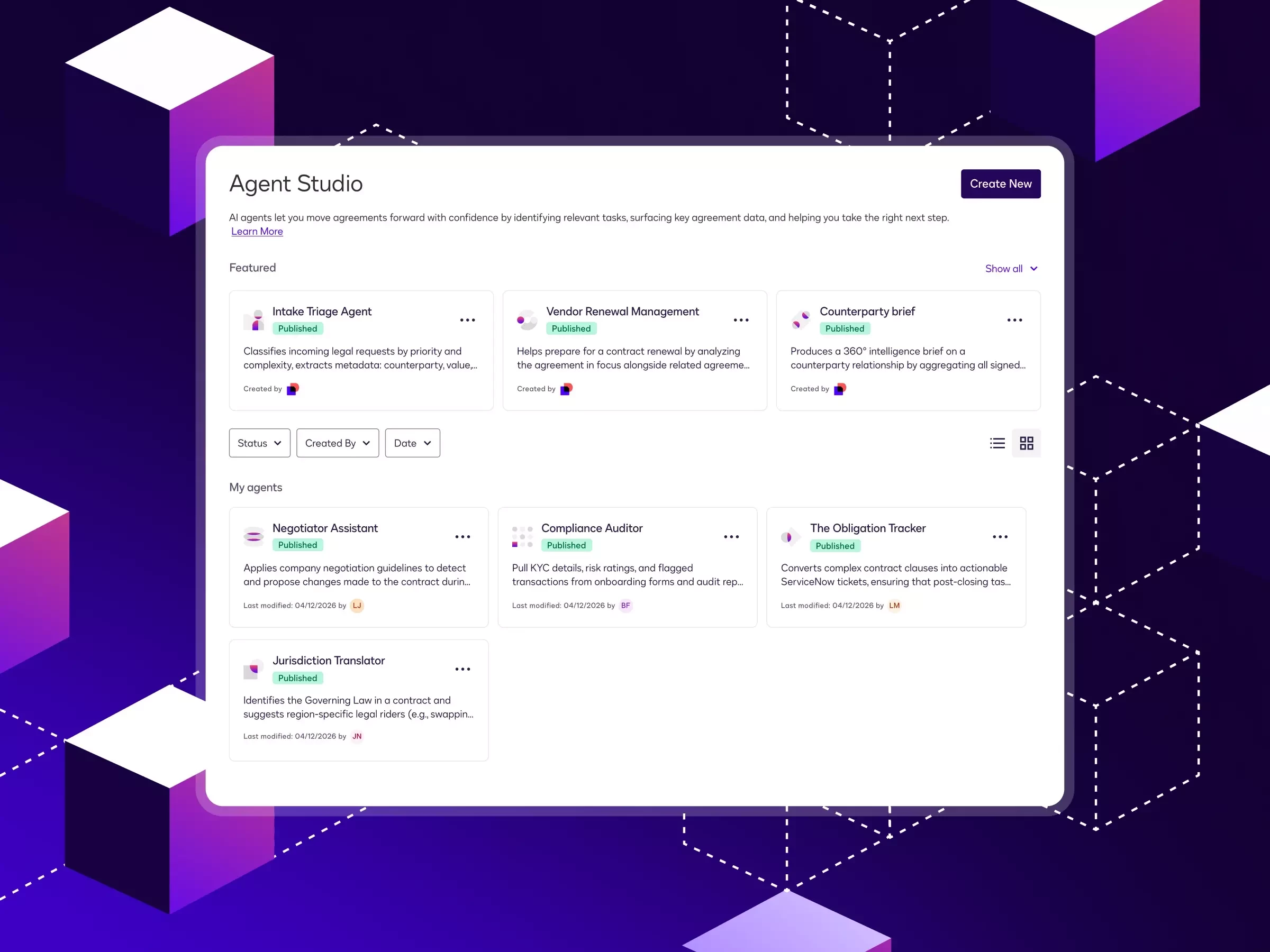
The new capabilities include the AI assistant, ready-to-deploy agents + custom agents in Agent Studio, AI-assisted Worksheets in Agreement Manager, and the Docusign MCP Server. Custom agents can also be used as steps in Workflow Builder, where their structured outputs can trigger routing, approvals, escalations, or other downstream actions.
Together, they help teams streamline the entire contracting lifecycle, from streamlining intake, understanding agreement data, reviewing against playbooks, preparing for renewals, and approval routing.
Who are these capabilities for?
They’re designed for legal, sales, procurement, and operations teams that want to move agreement work forward faster while maintaining governance at scale.
They also support developers and AI teams that want to use the MCP Server to bring Docusign agreement data, insights and actions into tools such as Claude, Copilot, or ChatGPT.
Where are they available?
At launch, the Iris AI assistant, ready-to-deploy agents, custom agents in Agent Studio, Worksheets, and using agents in workflows are generally available in English for customers hosted in North America data centers on IAM Professional, IAM Enterprise, IAM for Sales, or IAM Platform plans.
The Docusign MCP Server and its connectors are available in global open beta in English.
How do I get started?
If you’re on an eligible IAM plan, look for the Iris AI assistant in supported IAM experiences such as Agreement Desk, Agreement Manager, and AI-Assisted Review.
You can also explore Agent Studio to discover or create custom agents, use Worksheets for portfolio-level contract analysis, or get started with the Docusign MCP Server to connect supported external AI tools to Docusign.
Are there limitations or requirements?
Availability varies by region, data center, and IAM plan. The Docusign MCP Server is currently in open beta, and supported connectors may continue to evolve.
These capabilities operate within IAM permissions and governance controls, with human oversight for supported actions.