Question

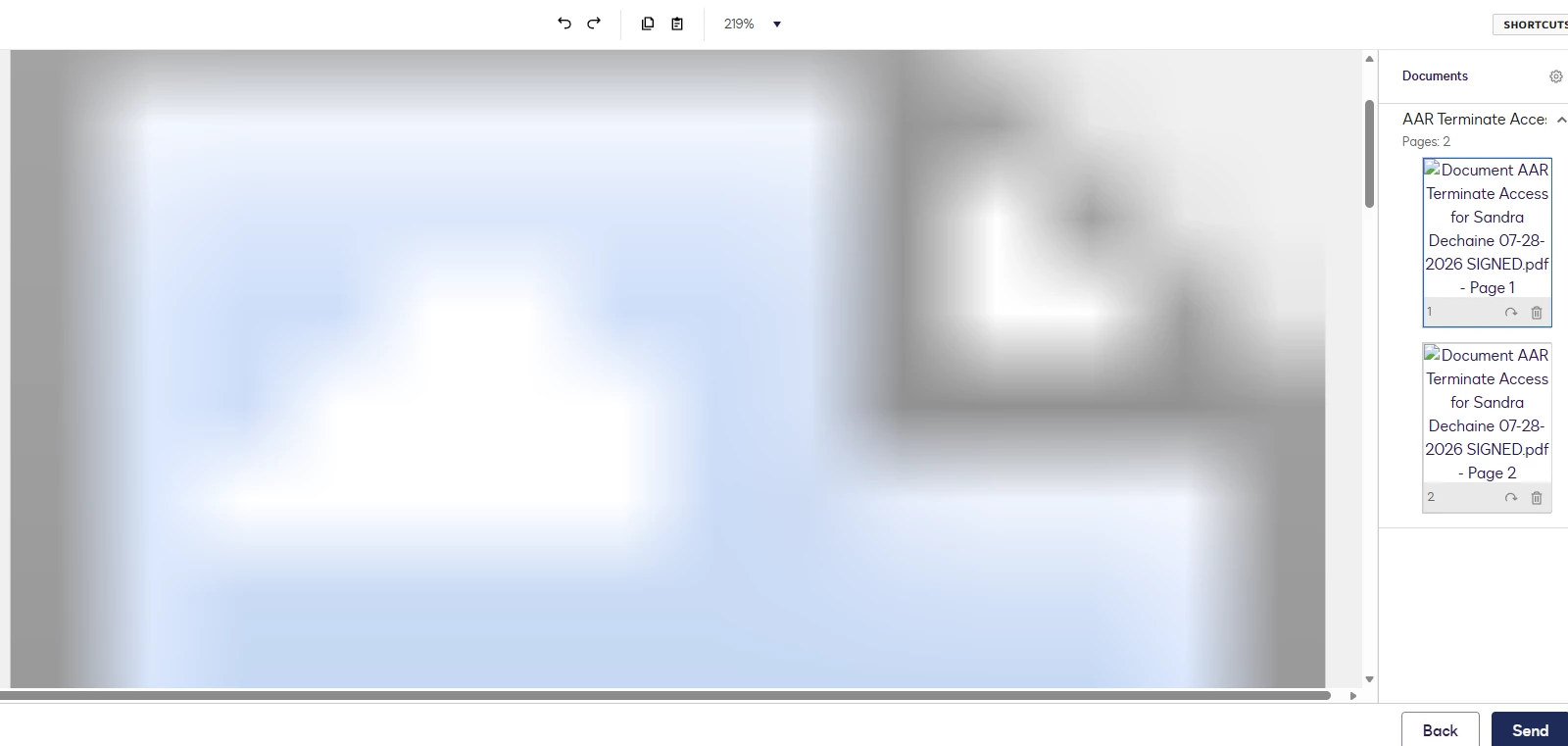
When uploading a document it is all blurred out

  • July 30, 2026
  • 5 replies
  • 91 views

Forum|alt.badge.img

When anyone in my company uploads a document it is completely blurred out, have logged out and back in does the same thing tried print save to pdf same thing.  Not just one person this is happening to multiple people.


5 replies

Forum|alt.badge.img
  • New Voice
  • July 30, 2026

I’m having the same issue. I can download the document and see it, but the preview is blurred. It is an icon 


Forum|alt.badge.img
  • Newcomer
  • July 30, 2026

I’m having the same issue. Even docs I uploaded weeks ago appear as broken image icons. This is only on Chrome-- on Firefox it’s still working. 

EDIT: jk; it stopped working on Firefox as well. 


Forum|alt.badge.img

I am experiencing the same issue.  I uploaded a Word and PDF file.  Both were to blurry to continue.  1st time experiences this.  I’ve restarted the app and the computer.  I am on Chrome. Please advise.  Thank you.


Forum|alt.badge.img

Experiencing the problem as well. We have an integration with our Salesforce CRM that we noticed it was blurry. Tried direct from the portal via chrome and edge then as well, both blurry. 


Forum|alt.badge.img+6
  • Community Moderator
  • July 30, 2026

Hello ​@Sherrie

Welcome to the Docusign Community. Thank you for reporting the issue regarding completely blurred documents during the upload process. We sincerely apologize for the inconvenience and frustration this is causing across the company.

Please be assured that you are not alone in experiencing this. This is a known, platform-wide product issue tracked under ticket number DIRCA-5501. Platform users across multiple organizations are currently encountering problems uploading, viewing, and rendering PDF documents properly within Docusign.

The appropriate engineering and support teams have already identified the root cause and are actively investigating the issue to deploy a fix. We are tracking this closely and will provide updates as soon as progress is made.

In the meantime, you can monitor the real-time resolution progress directly on https://status.docusign.com/. If you want to receive real-time, direct updates on your specific account, please open a support case with us. This allows our support teams to be notified that your specific accounts are being affected and ensures you are directly included in the communication loop.

Thank you for your patience and understanding while we work to get this resolved quickly. Please let me know if you have any questions.

Best regards,
Luke | Docusign Community Moderator
If this helped, mark it as "Best Answer" so others can find it too!

