New Voice
Jun 4, 2025 2:38 PM UTC
Solved

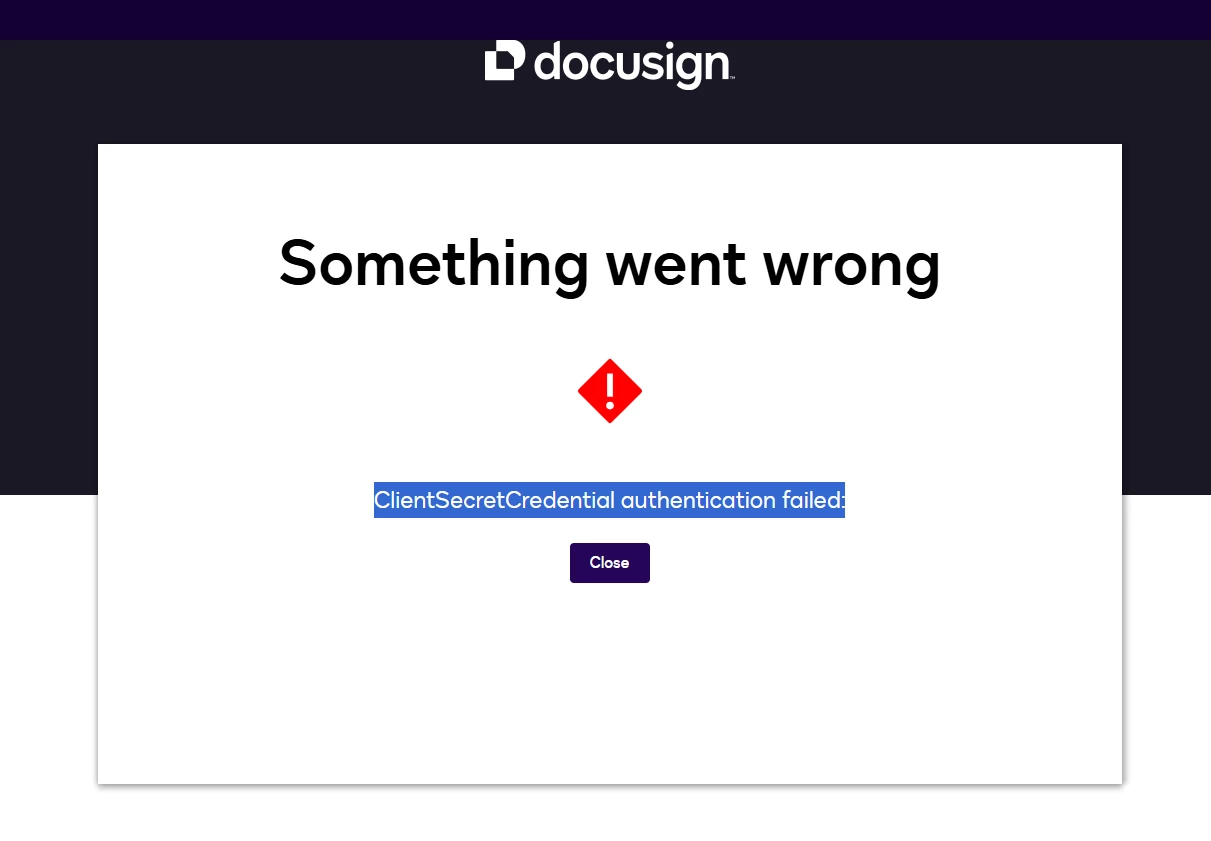
Using Docusign through SharePoint has stopped. i get the following Something went wrong ClientSecretCredential authentication failed:
Hello,


I need urgent help please. I have been using DocuSign integrated with SharePoint for a year now and all has been fine until now. whenever i try to get a signature through SharePoint to DocuSign it comes up with the following error above. any help would be much appreciated.


Thanks


Alex

Community Moderator
Oct 14, 2025 10:16 PM UTC

Hello ​@MikeRoz,

Thanks for your reply,

If the issue continues to occur, it would be best to submit a support ticket with our support team. They can investigate and provide further troubleshooting assistance.

👉 How do I contact Docusign Customer Support?

Here if you need us!


Best Regards,

Jenny | Docusign Community Moderator

8 replies

New Voice
Jun 4, 2025 5:26 PM UTC

Getting this error as well.

Translate
Community Moderator
Jun 20, 2025 11:39 PM UTC

Hello ​@MR ALEX HERRIDGE ​@erosa,

I hope you're doing well. Thank you for reaching out to the Docusign Community! I appreciate you bringing your question to this Community.

To possibly resolve this issue, please try to log out of the integration and try again.


Should you require any additional assistance, feel free to reach out. Thank you!


Regards,

Jenny | Docusign Community Moderator

If this helped, feel free to click "Best Answer"!


Translate
Community Moderator
Jul 4, 2025 11:50 PM UTC

Hello ​@MR ALEX HERRIDGE,

I hope you are doing well. I want to confirm if you were able to solve your issue by utilizing the suggested solution or if the information provided was useful. If so, please mark it as the "Best Answer ✅" by clicking “Select as Best” to make it easier for other users to find. Otherwise, let me know and I will gladly help you address the situation as soon as possible.


Regards,

Jenny | Docusign Community Moderator

If this helped, feel free to click "Best Answer"!

Translate
New Voice
Oct 8, 2025 10:04 PM UTC

“Log out of DocuSign” doesn’t help in my case. When I repeat “Get signatures” and enter my e-mail address to login via SSO, the next screen shows “Something went wrong” again.

Translate
Community Moderator
Oct 14, 2025 10:16 PM UTC

Hello ​@MikeRoz,

Thanks for your reply,

If the issue continues to occur, it would be best to submit a support ticket with our support team. They can investigate and provide further troubleshooting assistance.

👉 How do I contact Docusign Customer Support?

Here if you need us!


Best Regards,

Jenny | Docusign Community Moderator

Translate
Community Moderator
Oct 22, 2025 1:46 AM UTC

Hello ​@MikeRoz

I hope you are doing well. I want to confirm if you were able to solve your issue by utilizing the suggested solution or if the information provided was useful. If so, please mark it as the "Best Answer ✅" by clicking “Select as Best” to make it easier for other users to find. Otherwise, let me know, and I will gladly help you address the situation as soon as possible.


Best Regards,

Jenny | Docusign Community Moderator


Translate
New Voice
Oct 22, 2025 6:25 PM UTC

Hello DocuSign, thanks for following up.

The users I supported changed their requirements and used a different feature. Please disregard my previous post.

Translate
Community Moderator
Oct 22, 2025 7:25 PM UTC

Hello ​@MikeRoz,

Thanks for the update.

Should you require any additional assistance, feel free to reach out. Thank you!


Best regards,

Jenny | Docusign Community Moderator

Translate


