Active Voice
Aug 12, 2024 9:16 PM UTC
Solved

Problem with form field mapping render and html definition

I have two issues with trying to format templates. 

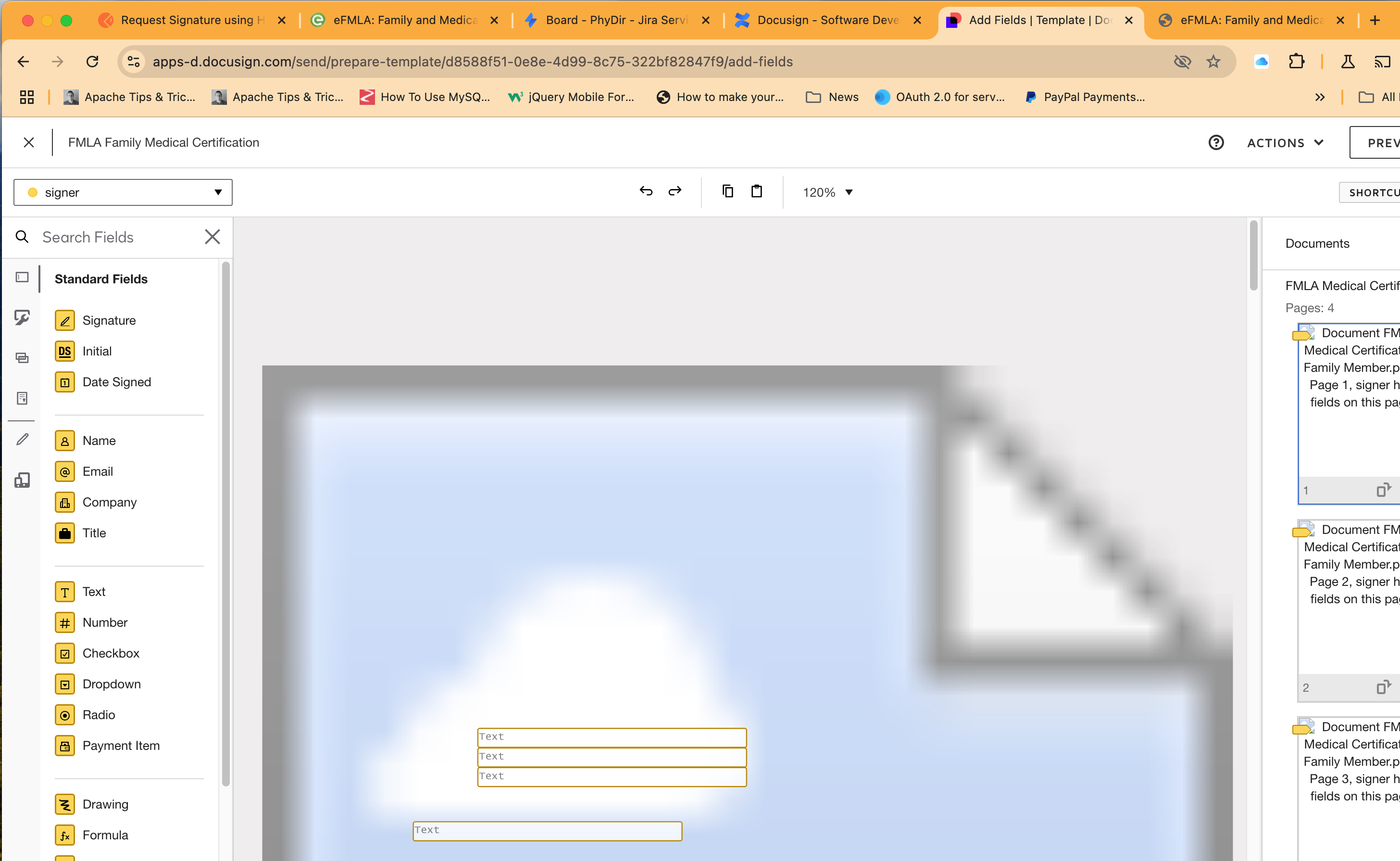
In the control panel, I uploaded a PDF and proceeded to map fields onto it. Needing to take a break and not wanting to risk losing my progress, I saved, and then went back in to continue field mapping on the very long, multi-page form, only to find that the previous graphic rendering of the form seems to now be broken, yet when I preview it, I can see the form and fields mapped. 

See below. There’s also a broken graphic representing the form. The issue resolved itself, and then came back. 

I’d rather use the html definition option to create this and other documents on the fly, but that only works for small, simple forms. If I try to set the html to this massive form, it has failed in so many ways (most recently - div--pulse-left-offset, background, transform, position, etc not allowed), I’m not sure which would be more efficient. In my opinion, they should be asking for the html in base64 so special characters don’t have a problem with the JSON, but even getting past that, it seems I can’t make a form that looks good that is this long that works with docusign. 

This is how it renders after it breaks. When it’s saved, it looks like it’s working. It does look like it renders okay, but this seems unstable, and I’m worried I’ll lose ability to edit it after all this work. 
 

DsimonAnswer
Active Voice
Aug 12, 2024 9:17 PM UTC

I have two issues with trying to format templates. 

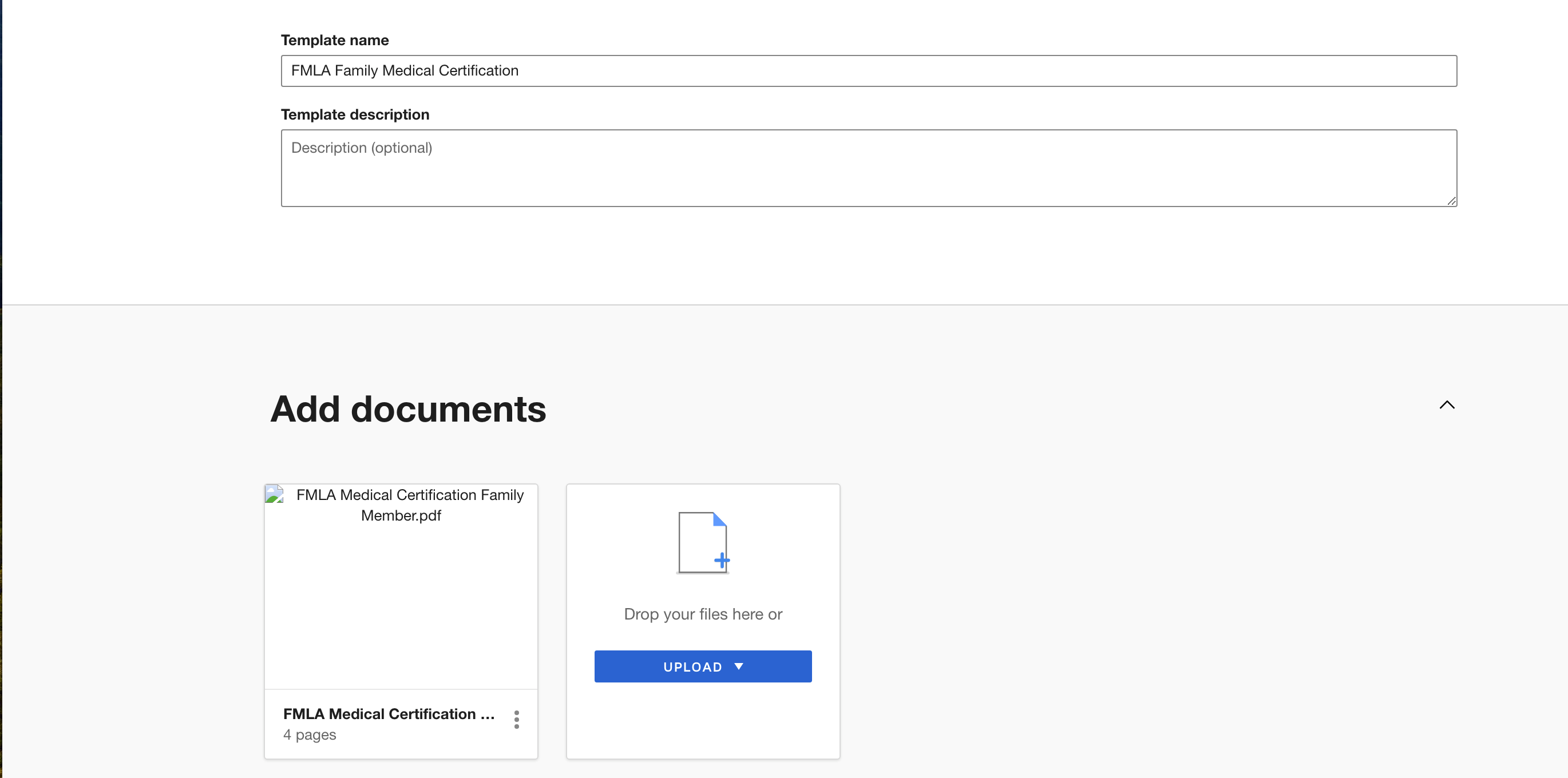
In the control panel, I uploaded a PDF and proceeded to map fields onto it. Needing to take a break and not wanting to risk losing my progress, I saved, and then went back in to continue field mapping on the very long, multi-page form, only to find that the previous graphic rendering of the form seems to now be broken, yet when I preview it, I can see the form and fields mapped. 

See below. There’s also a broken graphic representing the form. The issue resolved itself, and then came back. 

I’d rather use the html definition option to create this and other documents on the fly, but that only works for small, simple forms. If I try to set the html to this massive form, it has failed in so many ways (most recently - div--pulse-left-offset, background, transform, position, etc not allowed), I’m not sure which would be more efficient. In my opinion, they should be asking for the html in base64 so special characters don’t have a problem with the JSON, but even getting past that, it seems I can’t make a form that looks good that is this long that works with docusign. 

This is how it renders after it breaks. When it’s saved, it looks like it’s working. It does look like it renders okay, but this seems unstable, and I’m worried I’ll lose ability to edit it after all this work. 
 

4 replies

DsimonActive VoiceAuthorAnswer
Active Voice
Aug 12, 2024 9:17 PM UTC

I have two issues with trying to format templates. 

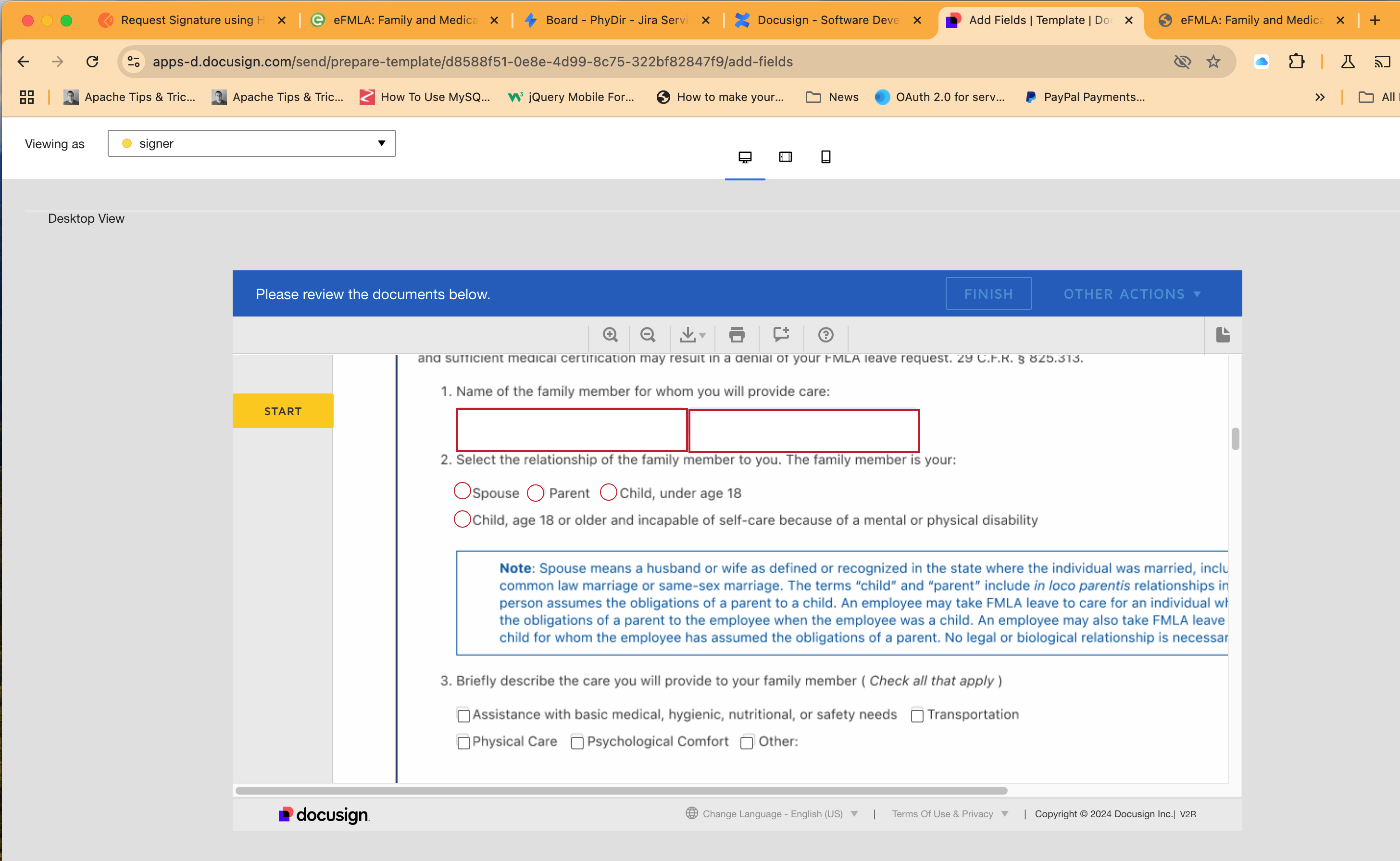
In the control panel, I uploaded a PDF and proceeded to map fields onto it. Needing to take a break and not wanting to risk losing my progress, I saved, and then went back in to continue field mapping on the very long, multi-page form, only to find that the previous graphic rendering of the form seems to now be broken, yet when I preview it, I can see the form and fields mapped. 

See below. There’s also a broken graphic representing the form. The issue resolved itself, and then came back. 

I’d rather use the html definition option to create this and other documents on the fly, but that only works for small, simple forms. If I try to set the html to this massive form, it has failed in so many ways (most recently - div--pulse-left-offset, background, transform, position, etc not allowed), I’m not sure which would be more efficient. In my opinion, they should be asking for the html in base64 so special characters don’t have a problem with the JSON, but even getting past that, it seems I can’t make a form that looks good that is this long that works with docusign. 

This is how it renders after it breaks. When it’s saved, it looks like it’s working. It does look like it renders okay, but this seems unstable, and I’m worried I’ll lose ability to edit it after all this work. 
 

Translate
Docusign Employee
Aug 26, 2024 9:47 PM UTC

Hi @Dsimon,

I hope you are doing well.

I want to confirm if you need further assistance, feel free to let me know and I will gladly help you address the situation as soon as possible.


Best regards,

 Christopher | Docusign Community Moderator

"Select as Best" below if you find the answer a valid solution to your issue.

Translate
DsimonActive VoiceAuthor
Active Voice
Aug 27, 2024 1:09 PM UTC

We got this all working, now. Thanks. :)

Translate
Docusign Employee
Aug 27, 2024 5:12 PM UTC

Hi @Dsimon,

Glad to hear that, have a great day!!.


Best regards,

 Christopher | Docusign Community Moderator

"Select as Best" below if you find the answer a valid solution to your issue.

Translate