Newcomer
Feb 16, 2024 11:15 AM UTC
Solved

new admin password reset page not found

Hi

Trying to add new Admins to our Docusign account.

Add the user, they get the email invite and click on activate, They try to sign in and click the password reset link and get sent a code.

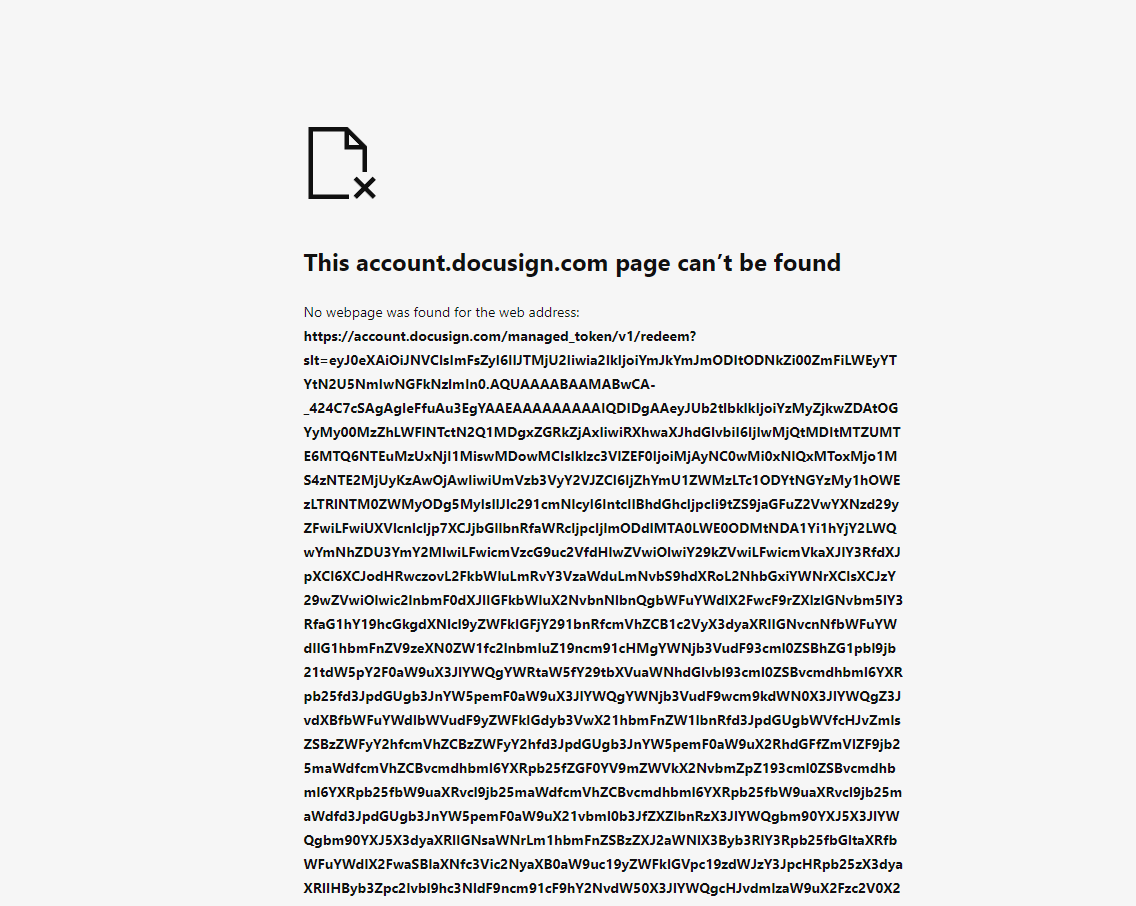
When they enter the code they just then get a 404 page not found after entering the code:


Can anyone advise please?


Thanks!

Dave

Docusign Employee
Feb 19, 2024 3:21 PM UTC

Hello @OC IT,


Thank you for reaching out here in the DocuSign Community.


I apologize for the inconvenience that this might cause you, I understand that you do not have access to the password reset page.


Have you tried the below troubleshooting:


  • Clear cache/cookies
  • Try a different browser(s)
  • Try an Incognito window
  • Try a different device
  • Try a different Internet network, such as on a mobile device using data with Wi-Fi disabled.
  • Try using VPN, or if on one already, disconnect from VPN and try again
  • Please try the Alternative Signing Method


Note: Some advanced features and options are supported only in specific DocuSign plans. Your account plan might not support some options discussed in this help topic. Contact your account administrator for more information about which options are available for your account. Or, visit our Plans and Pricing web page for more details on the features included with your plan. Compare eSignature plans & pricing.


Let us know if you need further assistance with this.


Best regards,


Christopher | DocuSign Community Moderator

"Select as Best" below if you find the answer a valid solution to your issue.

8 replies

Docusign Employee
Feb 19, 2024 3:21 PM UTC

Hello @OC IT,


Thank you for reaching out here in the DocuSign Community.


I apologize for the inconvenience that this might cause you, I understand that you do not have access to the password reset page.


Have you tried the below troubleshooting:


  • Clear cache/cookies
  • Try a different browser(s)
  • Try an Incognito window
  • Try a different device
  • Try a different Internet network, such as on a mobile device using data with Wi-Fi disabled.
  • Try using VPN, or if on one already, disconnect from VPN and try again
  • Please try the Alternative Signing Method


Note: Some advanced features and options are supported only in specific DocuSign plans. Your account plan might not support some options discussed in this help topic. Contact your account administrator for more information about which options are available for your account. Or, visit our Plans and Pricing web page for more details on the features included with your plan. Compare eSignature plans & pricing.


Let us know if you need further assistance with this.


Best regards,


Christopher | DocuSign Community Moderator

"Select as Best" below if you find the answer a valid solution to your issue.

Translate
Docusign Employee
Mar 4, 2024 9:28 PM UTC

Hi @OC IT,


I hope you are doing well.


I would like to confirm if you were able to solve your issue by utilizing the solution that was suggested or if the information that was provided was useful.


If so, please mark it as the best answer by clicking “Select as Best” to make it easier for other users to find.


Otherwise, feel free to let me know and I will gladly help you address the situation as soon as possible.


Best regards,


Christopher | DocuSign Community Moderator

"Select as Best" below if you find the answer a valid solution to your issue.

Translate
New Voice
Jan 21, 2025 12:36 AM UTC

Getting the same error when doing a password reset.  I’ve tried using multiple PC’s.  A non-company PC (no GPO’s), different browser, turned off popup blocker, In Private browsing.

still stuck.  Suggestions?  phone support? (since I can’t login to create a support ticket)

Translate
Docusign Employee
Jan 22, 2025 10:37 PM UTC

Hello ​@WesT,

Thank you for reaching out to the Docusign Community.

Can you DM me your account number and email address? Please do not post that information on this public forum.

Let us know if you need further assistance.


Best regards,

Christopher | Docusign Community Moderator

"Select as Best" below if you find the answer a valid solution to your issue.

Translate
New Voice
Jan 28, 2025 2:28 PM UTC

Christopher--Do you have an update on my issue?

Translate
Docusign Employee
Jan 28, 2025 9:59 PM UTC

Hello ​@WesT 

I sent you a new DM,


Best regards,

Christopher | Docusign Community Moderator

"Select as Best" below if you find the answer a valid solution to your issue.

Translate
New Voice
Jan 29, 2025 1:00 AM UTC

Christopher----AWESOME…..  so the link you sent me to open a ticket--I tried that, but of course you need to login to open the ticket (given that I was trying to create a ticket about not being able to login its a tad circular).   HOWEVER….the Forgot password on that page actually worked. YAY….I’m in.  Thanks.


I do hope that Docusign fixes the problem with the link on the admin login page.  From my surfing/searching, it’s quite apparent that I’m not the only one having issues.


Translate
Docusign Employee
Feb 3, 2025 4:33 PM UTC

Hello ​@WesT 

Glad to hear that, in case that you need further assistance please let us know.


Best regards,

Christopher | Docusign Community Moderator

"Select as Best" below if you find the answer a valid solution to your issue.

Translate