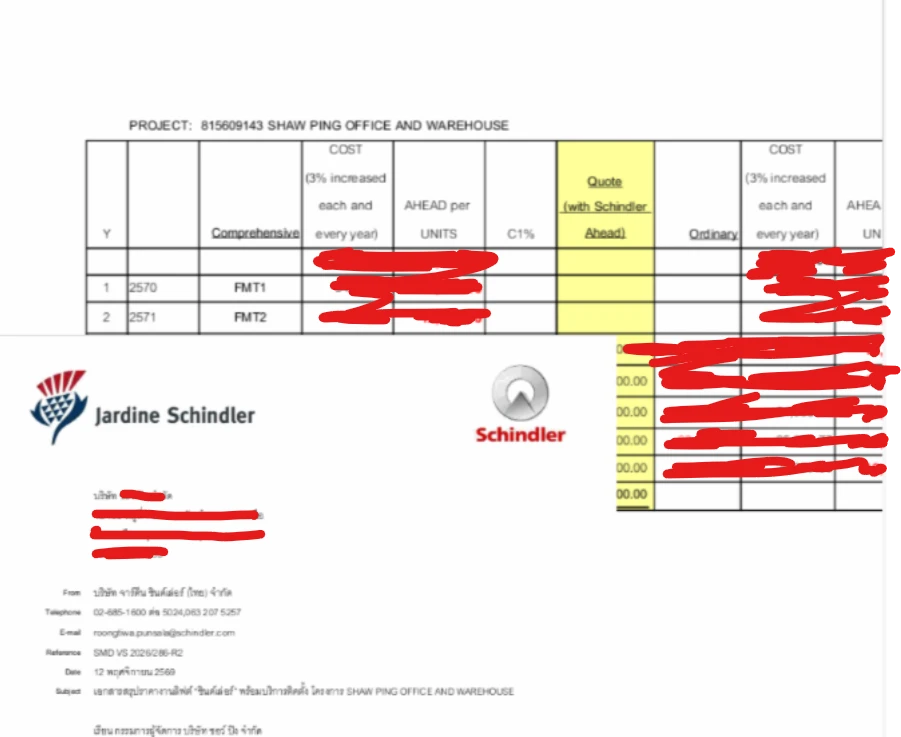
Hello @Nuttachai Thank you for reaching out, and welcome to the Docusign Community! Thank you for sharing the screenshot. It looks like some of the document content is overlapping, rather than the signing fields being misplaced.
If you are the sender, please open the original PDF outside Docusign to check whether the overlap is already present. If it is, correct the source document and export it as a new PDF, then confirm the pages look right before uploading the replacement. If the original looks fine but the issue appears after upload, try creating a fresh PDF copy and uploading it again, or test in another browser.
If you are the signer, please contact the sender. They may need to replace the file and resend the envelope.
You can login or register as either a Docusign customer or developer. If you don’t already have a Docusign customer or developer account, you can create one for free when registering.
You can login or register as either a Docusign customer or developer. If you don’t already have a Docusign customer or developer account, you can create one for free when registering.
 Back to Docusign.com