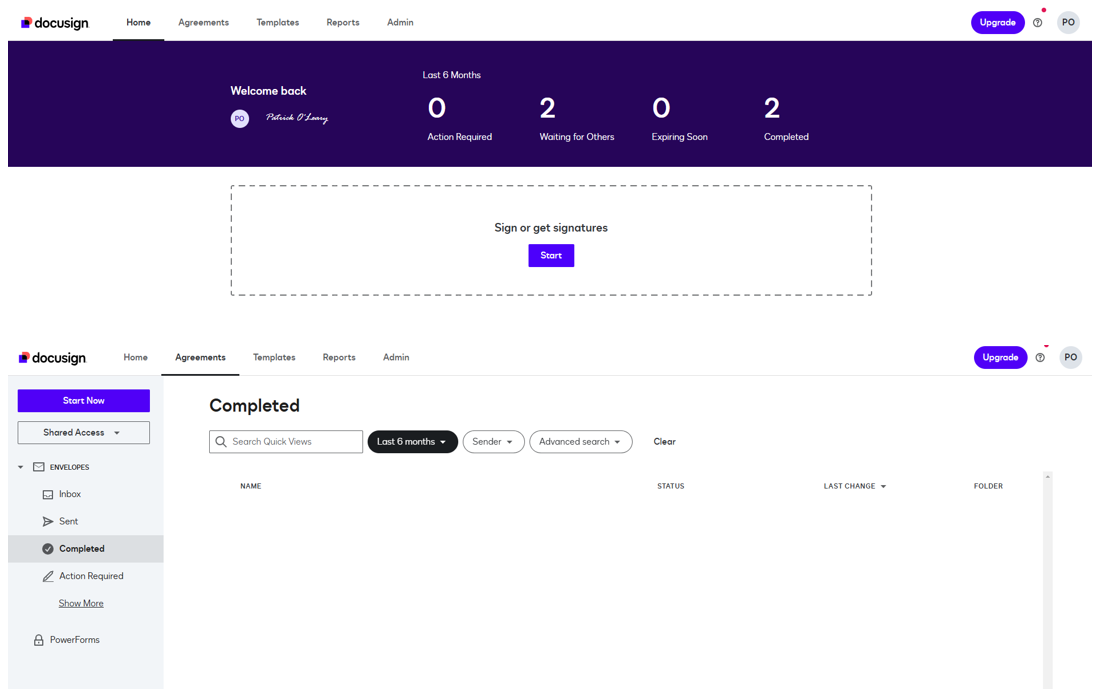
Hi @PatrickoAUS,
Thank you for reaching out to the Docusign Community.
All envelopes owned by your user will be listed in the Agreements tab. If you haven’t been able to find the missing envelope in the list, it must be owned by a different user ID related to your email address. Accessing the completed documents through the email access link instead, will be the best option to locate them under these circumstances.
If the envelope in question is owned by your user but is not showing in the Agreements page, you will need to find its Envelope ID to access it on the website’s console. The Envelope ID will be located either at the top of the document or, will be displayed by clicking on Other Actions>View History. With the envelope ID you will be able to access the envelope by pasting it into the following URL: https://app.docusign.com/documents/details/{envelopeid}
For detailed steps on this process, see:
Locate a Docusign envelope ID
If the envelope has no folder listed, this could be the cause behind why it is not included on your Agreements page. To correct this behavior you can move the envelope to the correct folder by following the instructions below:
Move Envelopes Into Folders
Feel free to let us know if you need further assistance with this.
Best regards,
Alejandro R. | Docusign Community Moderator
Please click "Best Answer" below if you find my reply to be a valid solution to your issue!
 Back to Docusign.com