Newcomer
Aug 9, 2024 3:57 PM UTC
Solved

Updating DocuSign Email Resource Template to Display User's Title and Company

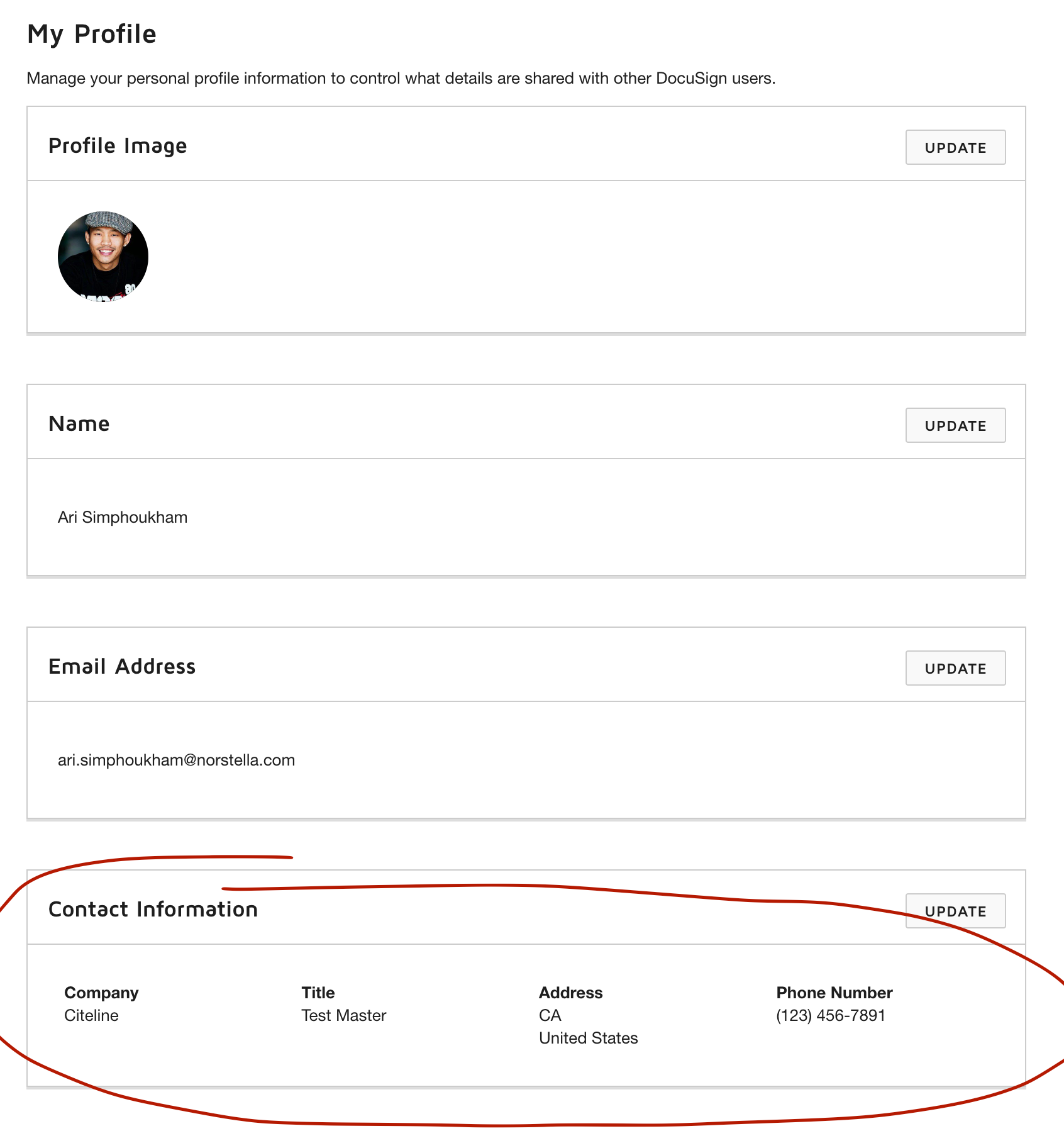
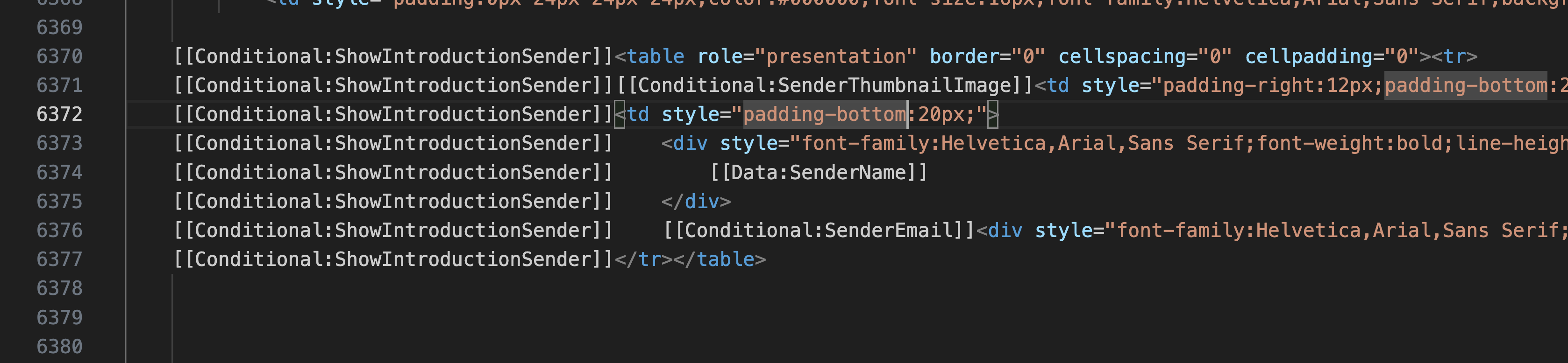
I am trying to modify the eSignature resource template and update it to include the user’s title and company. I noticed that the merge tags for Sender Name and email are “[[Data:SenderName]]” and “[[Data:SenderEmail]]”. Where can I find the tags for the user’s “Company” and “Title” from their profile?
 

Michael.Rave
Docusign Employee
Aug 12, 2024 6:38 AM UTC

@Ari239 

Those tags are not available to be used in the email resource files. You can use the recipient name and email address, as well as envelope custom fields (ECFs), as these data points are available.

Document custom fields like recipient title or recipient company are not present when the email notification is created and sent. The process does not access a user’s profile, it is only able to use metadata from the envelope, hence recipient name and email address and envelope custom fields are avaiable.

"Select as Best" below if you find my answer is a valid solution to your issue and mark it as resolved.

1 reply

Michael.Rave
Docusign Employee
Docusign Employee
Aug 12, 2024 6:38 AM UTC

@Ari239 

Those tags are not available to be used in the email resource files. You can use the recipient name and email address, as well as envelope custom fields (ECFs), as these data points are available.

Document custom fields like recipient title or recipient company are not present when the email notification is created and sent. The process does not access a user’s profile, it is only able to use metadata from the envelope, hence recipient name and email address and envelope custom fields are avaiable.

Translate
"Select as Best" below if you find my answer is a valid solution to your issue and mark it as resolved.